Finding an affordable CRM for small business use can feel like searching for a unicorn: something powerful enough to run real sales and client workflows, but priced for a team that doesn't have a Salesforce administrator on payroll. The good news is that genuinely affordable options exist, and the best ones do more than track contacts cheaply. They connect to the calendar, the files, and the inbox you already use, so you are not just saving money on software while losing time to manual data entry.
This guide breaks down what "affordable" really means for CRM software, the features worth paying for, and a step-by-step process for picking the right one. Along the way, we'll look at how Atlas approaches this problem by bundling CRM with file storage and calendar tools under one login.

An affordable CRM for small business helps lean teams track clients without hiring extra IT staff.
What Is an Affordable CRM for Small Business?
An affordable CRM for small business is customer relationship management software, a system that tracks contacts, deals, and client history, priced and designed for teams with limited budgets and no dedicated technical staff. In practice, that usually means a monthly cost per user, simple onboarding, and a focus on the handful of features a small team actually uses every day.
Unlike enterprise platforms built for sales departments of hundreds, an affordable CRM skips heavy customization in exchange for faster setup. As a result, a five-person service business can typically be up and running within a day rather than weeks.
Why Tool Sprawl Makes Small Business CRM Software Feel Expensive
Most small businesses do not start out looking for CRM software; they accumulate it piece by piece. Client contacts live in one app, files live in Dropbox or Google Drive, the calendar is in Outlook, and client texting happens on someone's personal phone. Each decision made sense on its own, but together they create a stack of separate subscriptions and logins that do not talk to each other.
Consequently, the real cost is not just the subscription fees. It is the time staff spend copying data between systems, the client call that never gets logged because the phone system cannot see the CRM, and the hours an owner spends acting as the company's unpaid IT administrator. According to the Wikipedia overview of customer relationship management, CRM systems exist specifically to centralize this kind of scattered client data, which is exactly what disconnected small business tools fail to do.
In short, a CRM that is cheap to buy but does not connect to the rest of your tools is rarely cheap to run.
Key Features to Look for in Budget-Friendly CRM Software
Not every feature matters equally for a small team. Specifically, these are the capabilities worth prioritizing when comparing budget-friendly CRM software:
- Contact and deal tracking that shows the full history of a client relationship in one view.
- Calendar integration so appointments link automatically to the right client record.
- File attachments that connect directly to contacts instead of living in a separate drive.
- Mobile access for staff working from job sites, client offices, or home.
- Simple reporting on pipeline value and follow-up activity without a data analyst.
- One login across the CRM and any other business tools, reducing password resets and support tickets.
Above all, the integration piece is the one most small businesses underweight when comparing prices, and it is usually the one that determines whether the software actually gets used six months later.
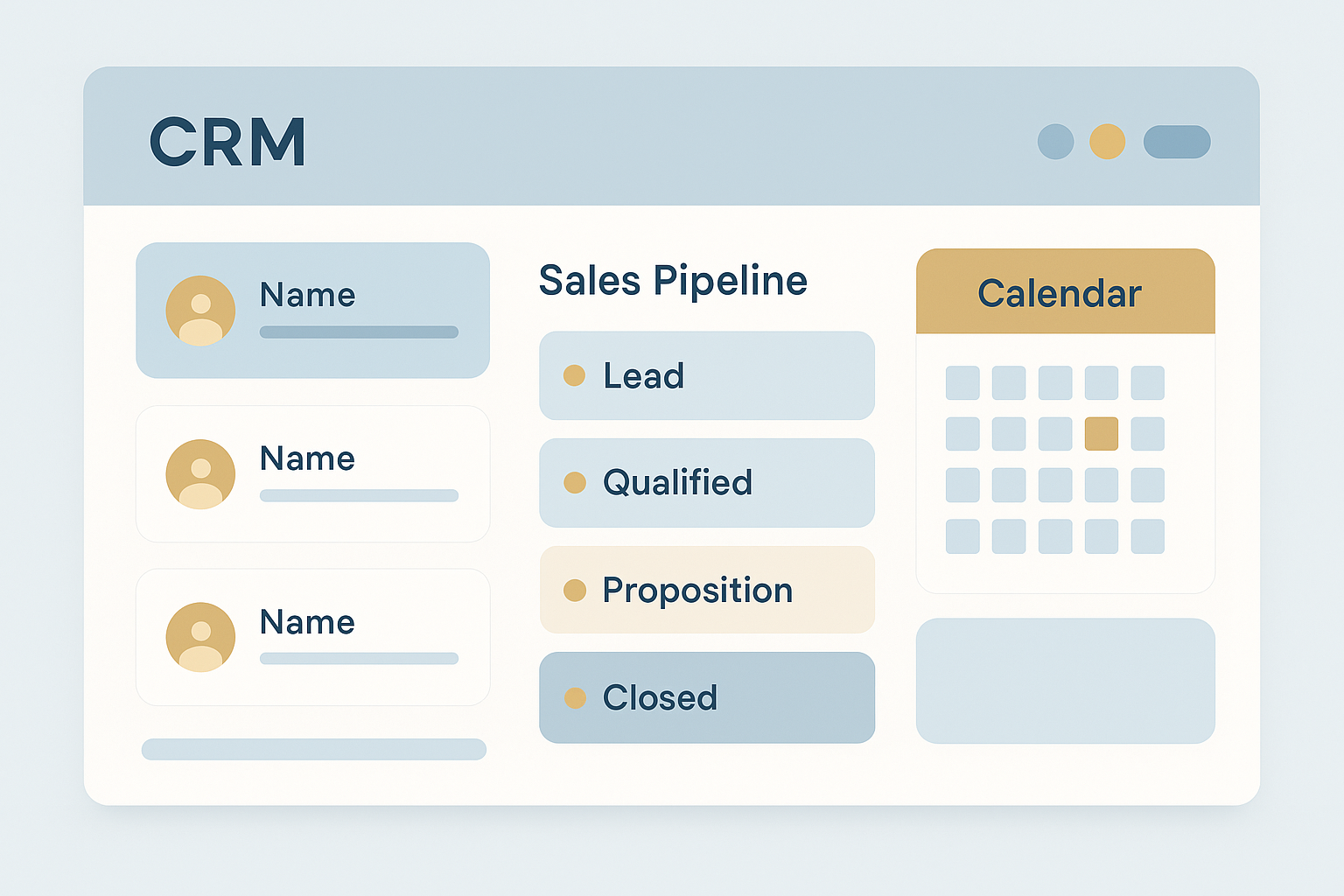
A well-integrated dashboard is what separates genuinely useful budget-friendly CRM software from a glorified contact list.
How Much Does an Affordable CRM for Small Business Cost?
Pricing for an affordable CRM for small business generally falls between free and around $50 per user per month, depending on the features and support included. Free tiers usually cap the number of contacts, users, or storage, while mid-tier plans add automation, reporting, and integrations.
For context, enterprise platforms like Salesforce or Microsoft Dynamics 365 often start well above that range once implementation and administrator costs are factored in. That gap exists because enterprise tools are built for sales organizations with hundreds of reps, not a five- or fifteen-person professional services firm.
Data point: According to Investopedia's overview of CRM, research from Nucleus Research has found that CRM software can return several dollars in value for every dollar spent, primarily through better lead follow-up and fewer missed opportunities. In other words, the return matters more than the sticker price alone.
Step-by-Step: How to Choose an Affordable CRM for Small Business
Choosing the right platform does not need to take weeks. Follow this process to narrow the field quickly:
- List your current tools and pain points. Write down every tool currently holding client data, including spreadsheets, email inboxes, and personal phones, and note where information gets lost.
- Set a realistic monthly budget per user. Decide on a per-user budget, keeping in mind that affordable plans typically range from free to around $50 per user.
- Check for native integration with files and calendars. Confirm the CRM connects directly to your calendar and file storage so records update automatically instead of by hand.
- Test the setup process with a free trial. Import real contacts and schedule a real appointment to see how many manual steps are required before the team can work normally.
- Confirm pricing stays predictable as you grow. Review pricing tiers for the next twelve months so adding a few users does not suddenly triple the bill.
How Atlas Delivers an Affordable, All-In-One CRM
Atlas, built and operated by Hyperion Works out of Tempe, Arizona since 2011, takes a specific approach to this problem. Rather than selling CRM as a standalone product, Atlas bundles CRM, cloud file storage, and calendar tools under a single login through its shared identity layer, Atlas IAM. That means a calendar event can link directly to a CRM record, and a file from Atlas File Storage can attach to that same event without being copied between separate apps.
This design is aimed squarely at professional and service-based businesses with one to five hundred users, companies that need enterprise-grade software but do not have a dedicated IT department or a Salesforce administrator on staff. With phones, SMS, email, and a full office suite on the roadmap, the goal is one monthly bill and one vendor to call instead of five. For businesses evaluating whether to visit Atlas directly, the core question is whether consolidating tools saves more staff time than the integrations built into a standalone CRM alone.
Common Mistakes When Picking Low-Cost CRM Software
Even with a clear budget, small businesses tend to repeat a few avoidable mistakes. First, many teams pick the lowest sticker price without checking whether the CRM integrates with existing calendars and file storage, which forces staff back into manual data entry within weeks.
Second, some businesses skip the trial period entirely, only to discover during rollout that importing contacts is clunky or unsupported. Third, teams sometimes ignore future growth, choosing a plan that works for three users today but becomes disproportionately expensive at fifteen. Finally, according to the U.S. Small Business Administration, there are more than 33 million small businesses operating in the United States, which means CRM vendors design pricing tiers with exactly this kind of growth curve in mind. Comparing a few extra plans before committing is almost always worth the extra hour.
Frequently Asked Questions About Affordable CRM for Small Business
What is an affordable CRM for small business?
An affordable CRM for small business is customer relationship management software priced and designed for teams with limited budgets and no dedicated IT staff. It typically costs between $0 and $50 per user per month and focuses on contacts, deals, and calendars rather than complex enterprise workflows.
How much does a budget-friendly CRM typically cost per month?
Most budget-friendly CRM plans for small teams range from free entry tiers up to about $50 per user per month. Pricing usually scales with the number of users, storage, and automation features included.
Is a free CRM good enough for a small business?
A free CRM can work for a solo operator or a very small team with basic contact tracking needs. However, free tiers often cap users, contacts, or storage, so growing teams usually outgrow them within a year or two.
How long does it take to set up a low-cost CRM?
A simple low-cost CRM can be set up in a few hours, while importing existing contacts and configuring pipelines may take a few days. Platforms with native integrations, like shared file storage and calendars, generally reduce setup time because data does not need to be re-entered across systems.
What features should a small business look for in cheap CRM software?
Look for contact and deal tracking, calendar sync, email logging, mobile access, and basic reporting. Just as important is whether the CRM shares one login and one data record with the other tools your business already uses.
How is an affordable CRM different from Salesforce or Microsoft Dynamics?
Salesforce and Microsoft Dynamics are enterprise-grade platforms built for large sales organizations and often require a dedicated administrator to configure. An affordable CRM for small business trades some of that deep customization for simpler setup, lower cost, and faster time to value.
Why do small businesses end up with scattered client data instead of a CRM?
Tool sprawl happens gradually as teams add a file sharing app, a separate calendar, and a phone system that were never designed to work together. Without a central CRM, client details end up spread across spreadsheets, inboxes, and sticky notes.
What is the biggest mistake businesses make when choosing a cheap CRM solution?
The most common mistake is picking the lowest sticker price without checking whether the CRM connects to file storage, calendars, and communication tools. That gap forces staff to keep copying data between systems, which erases most of the savings.
Can an affordable CRM for small business still handle growth?
Yes, many budget-friendly CRMs offer tiered plans that add users, automation, and storage as a company grows. Choosing a platform built on a single identity and data layer, rather than bolted-together modules, makes scaling smoother.
Does a small business CRM need to integrate with file storage and email?
Integration matters because client files, emails, and calendar events are most useful when attached directly to the right contact record. A CRM without these connections leaves staff manually searching across separate apps for the same information.
How does Atlas compare as an affordable CRM for small business?
Atlas bundles CRM with cloud file storage and calendar tools under one login and one monthly bill, which is built for companies without a dedicated Salesforce administrator. Calendar events and files link directly to CRM records, so client history stays in one place.
What is the ROI of investing in CRM software for a small business?
Nucleus Research has reported that CRM software can return an average of several dollars for every dollar spent, largely through better lead tracking and fewer missed follow-ups. Even a modest, affordable CRM can produce measurable returns when staff actually use it consistently.
Should a service-based business choose a different CRM than a retail business?
Service-based businesses generally need stronger calendar and appointment features, while retail businesses often prioritize point-of-sale integration. An affordable CRM for small business should be evaluated against the specific workflow your team relies on daily.
Final Thoughts on Choosing an Affordable CRM
In the end, an affordable CRM for small business is not just about finding the lowest monthly price. It is about finding a system that fits how your team already works, connects to the calendar and files you depend on, and scales without surprise costs as headcount grows. Price matters, but so does the time your staff gets back when client data lives in one place instead of five.
As you compare options, weigh integration and growth alongside the sticker price, and consider testing a platform like Atlas that was built to bring these tools together from the start. A thoughtful choice now can save far more than it costs over the next few years.

