All-in-one business software for small business is changing how companies run day to day operations by replacing a pile of disconnected apps with a single connected platform. Instead of buying a CRM from one vendor, file storage from another, and a phone system from a third, a growing number of small and mid-sized businesses now run everything through one login and one monthly bill. This matters because, as you will see below, tool sprawl quietly costs owners far more time and money than most people realize. This article explains what all-in-one business software for small business actually means, why it exists, and how to evaluate a platform like Atlas before you switch.
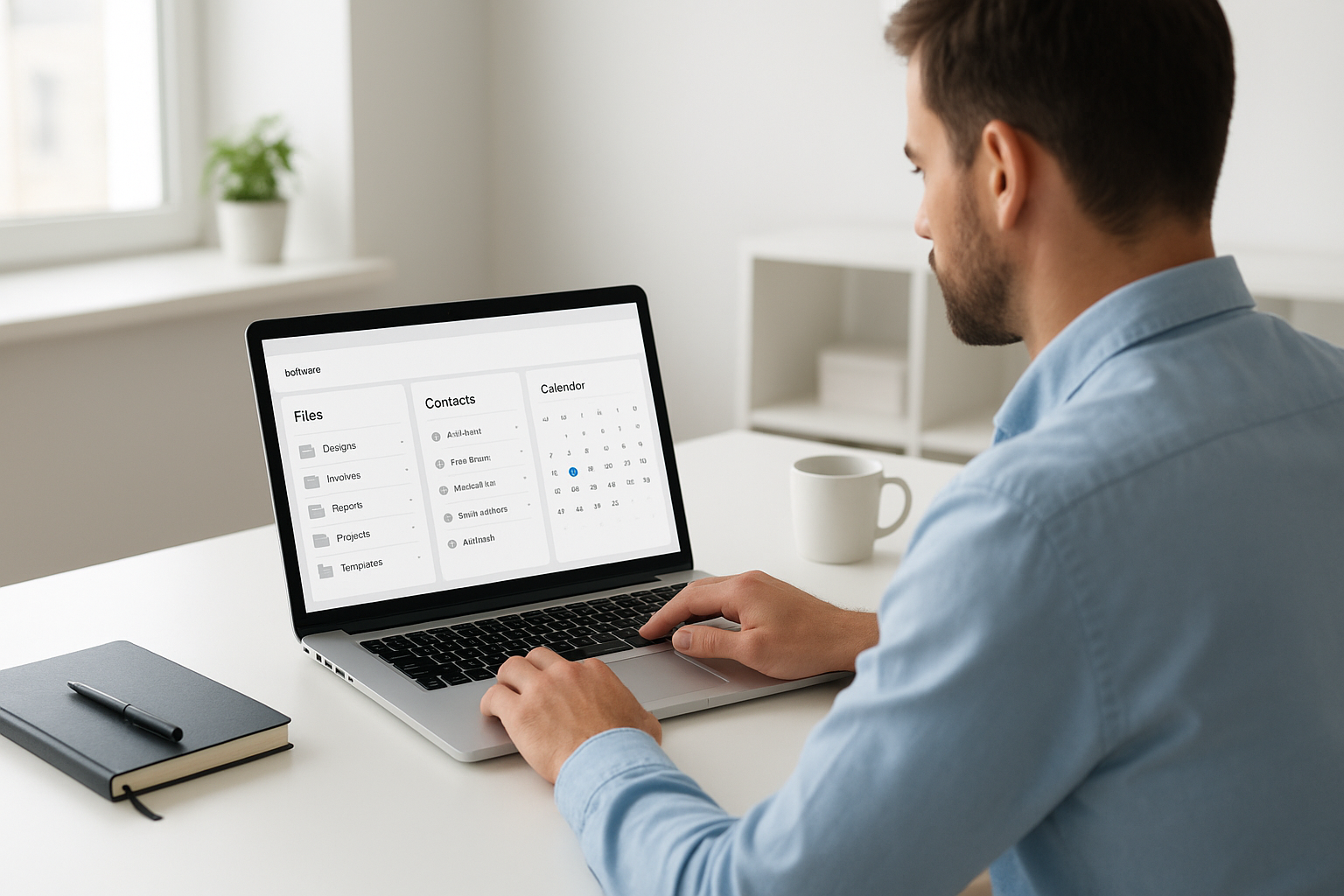
All-in-one business software for small business brings files, contacts, and schedules into one screen.
What Is All-in-One Business Software for Small Business?
All-in-one business software for small business is a category of cloud platforms that bundle core operational tools, typically file storage, customer relationship management (CRM, software that tracks client contacts and interactions), scheduling, and communications, under one login and one monthly invoice. Rather than managing five vendor relationships, a company manages one. As a result, data moves between modules automatically instead of being re-typed by hand.
This matters more than it might sound. According to research from the McKinsey Global Institute, knowledge workers spend roughly 1.8 hours a day, nearly 20% of the average workweek, searching for information or tracking down colleagues because data lives in disconnected systems. All-in-one platforms exist specifically to close that gap.
Why Tool Sprawl Quietly Taxes Small Businesses
Walk into almost any small professional services firm, and you will find the same pattern. Client contacts live in one app. Files sit in Dropbox, Google Drive, or OneDrive, plus a few stray copies on someone's desktop. The calendar lives in Google or Outlook, and the phone system comes from an entirely separate vendor. Each of these tools was a reasonable decision on the day it was purchased.
However, together they add up to separate subscriptions, separate logins, and separate support numbers that never talk to each other. For example, a client call that never reaches the CRM simply disappears from the record. In addition, two employees saving over the same document creates a file conflict nobody notices until it is too late. Consequently, the real cost is not the subscription fees themselves, but the hours an owner spends acting as the company's unpaid IT administrator.
The U.S. Small Business Administration notes that administrative overhead is one of the most common drains on small business productivity, which is exactly the overhead that scattered software tends to create.
How Integrated Business Management Software Works
Integrated business management software solves tool sprawl by sharing one identity layer across every application. In practice, this means a single sign-on, or SSO (a method of logging in once to access multiple connected systems), covers file storage, CRM, and calendar at the same time. There are no separate credentials to remember or reset, and no gap for data to fall through between apps.
The U.S. National Institute of Standards and Technology defines cloud computing as on-demand access to shared computing resources over the internet, which is the underlying model that makes this kind of integration possible without each business running its own servers. Because every module is built on the same foundation from day one, calendar events can link directly to CRM records, and files can attach to appointments automatically instead of being bolted together after the fact.
Core Features to Expect in Small Business Management Software
- Cloud file storage that behaves like a traditional network drive, not a sync folder
- CRM for tracking client contacts, notes, and communication history
- Shared calendars linked directly to client and project records
- Single sign-on across every connected module
- A clear roadmap toward phones, SMS, email, and document management
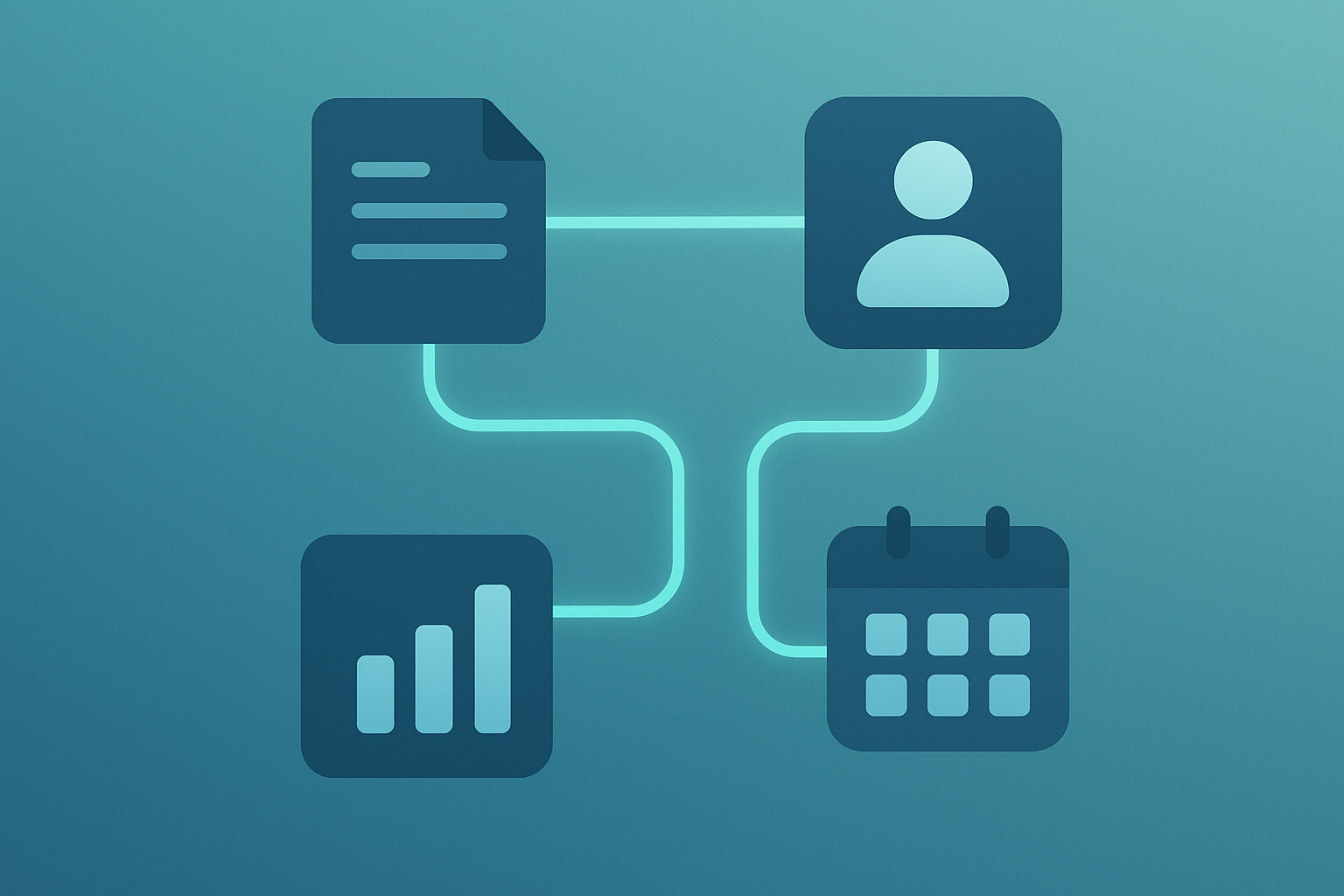
Connected modules mean one record updates everywhere instead of five separate places.
How Atlas Brings These Tools Together
Atlas is built and operated by Hyperion Works, a Tempe, Arizona technology company that has managed IT, phones, email, and file systems for small and mid-sized businesses since 2011. Atlas brings file storage, CRM, and calendar together today, with phones, SMS, email, AI document management, and a full office suite on the way. The goal, summed up in the tagline "The Power to Work Free," is one login, one monthly bill, and one vendor to call instead of five.
A good example is AtlasFS, Atlas's cloud file storage. Unlike sync tools that copy files down to every device and try to reconcile changes later, AtlasFS mounts directly as a network drive on Windows, a volume on macOS, or a mount point on Linux, using the standard SMB protocol (a common file-sharing standard used by office networks). Files live on the server, so opening and saving a document happens directly, without the "conflicted copy" problem that sync folders are known for. You can review the current feature set directly at atlascore.app.
Step-by-Step: How to Consolidate Your Business Software Stack
Switching to a single connected platform does not need to happen overnight. Instead, most businesses move through the same basic sequence.
- Audit your current tools. List every application the business pays for, including file storage, CRM, calendar, phone, and email systems, along with who uses each one and how often.
- Map data flows and integration needs. Identify where information currently has to be copied by hand between systems, such as a client call that never reaches the CRM, so you know which connections matter most.
- Choose an all-in-one platform. Compare platforms based on user count, required modules, single sign-on support, and whether the vendor has a roadmap matching where the business is headed.
- Migrate data and train staff. Move active client records, shared calendars, and current files first, then walk staff through the new single login so adoption happens quickly.
- Retire redundant subscriptions. Cancel the separate CRM, file-sync, and scheduling tools once data is verified in the new system to stop paying for duplicate functionality.
Choosing the Right All-in-One Platform for Your Business
Not every platform that claims to be "all-in-one" delivers real integration. Therefore, it helps to look past the marketing and check a few specifics before committing.
First, confirm the platform scales with your headcount, whether that is five employees or five hundred, without forcing a migration later. Second, check whether modules are natively connected or simply share a login screen while still operating as separate silos behind the scenes. Third, consider the vendor's roadmap; a platform like Atlas, for instance, is expanding from file storage, CRM, and calendar into communications and document management, which means businesses that adopt it early will not need to switch vendors again as needs grow. Finally, for professional and service-based businesses without a dedicated IT department or a Salesforce administrator on staff, prioritize a vendor that handles setup, security, and updates centrally, so the owner is not stuck as the company's part-time systems administrator.

A connected platform keeps every team member working from the same client record.
Frequently Asked Questions About All-in-One Business Software for Small Business
What is all-in-one business software for small business?
All-in-one business software for small business is a cloud platform that bundles core tools like file storage, CRM, calendar, and communications into one login and one monthly bill. It replaces a patchwork of disconnected apps with a single connected system.
How does all-in-one business software differ from using separate apps?
Separate apps require different logins, different bills, and manual copying of data between systems. An all-in-one platform shares one identity layer and lets modules like CRM and calendar talk to each other automatically.
How much does all-in-one business software cost for a small business?
Pricing varies by vendor and user count, but most all-in-one platforms charge a single per-user monthly fee instead of stacking several separate subscriptions. Businesses often save money once duplicate tools, storage plans, and phone services are consolidated.
How long does it take to switch to an all-in-one platform?
A small business with a handful of core tools can typically migrate files, contacts, and calendars within a few weeks. Larger teams or those with complex integrations may need one to three months for a smooth transition.
What are the biggest mistakes businesses make when choosing business software?
The most common mistake is picking tools one at a time without considering how they will connect to everything else. This leads right back to the same tool sprawl problem the business was trying to avoid.
Is all-in-one business software secure?
Reputable all-in-one platforms use centralized identity management, encrypted storage, and standard protocols to protect data, often making them more secure than a mix of unmanaged consumer apps. A single vendor is also easier to audit than five separate ones.
Can all-in-one business software grow with my company?
Yes, platforms built for businesses with anywhere from one to several hundred users can scale without forcing a new system migration later. Look for a vendor with a clear roadmap of additional modules.
What features should small businesses look for in all-in-one software?
Core features include cloud file storage, CRM, shared calendars, and single sign-on, with communications and document management as valuable additions. The key is native integration between modules, not just a shared login screen.
Does all-in-one software replace the need for an IT department?
It significantly reduces the need for in-house IT staff because the vendor manages servers, updates, and security centrally. Most small businesses using these platforms never need a dedicated systems administrator.
What is single sign-on and why does it matter for small business software?
Single sign-on, or SSO, lets a user log in once to access every connected application instead of juggling separate passwords. It reduces password fatigue and makes it easier to manage access when employees join or leave.
How is cloud file storage different from sync tools like Dropbox?
Sync tools copy files to every device and try to reconcile changes, which can cause conflicted copies and outdated versions. True cloud file storage mounts as a network drive, so files are opened and saved directly on the server.
What industries benefit most from all-in-one business platforms?
Professional and service-based businesses such as law firms, consultancies, agencies, and healthcare practices benefit greatly because they rely heavily on client records, scheduling, and documents. Any company managing client relationships across multiple tools is a strong candidate.
How do I migrate my existing data to a new all-in-one platform?
Most vendors provide import tools for contacts, calendars, and files, and many offer migration assistance for small teams. Start with the data that matters most, such as active client records, before moving historical files.
What is the ROI of consolidating business software?
Businesses typically recover time lost to duplicate data entry, missed client communications, and managing multiple vendor relationships. Fewer subscriptions and less administrative overhead often pay for the switch within months.
Who is Atlas built for?
Atlas is built for professional and service-based businesses with one to five hundred users that need enterprise-grade software without a dedicated IT department. It combines file storage, CRM, and calendar today, with communications and document tools on the way. Learn more at atlascore.app.
Final Thoughts
In the end, all-in-one business software for small business is less about a single clever app and more about ending the habit of patching tools together after the fact. Tool sprawl develops gradually, one reasonable purchase at a time, until it quietly costs a business hours of unpaid IT work every week. By auditing current tools, mapping how data actually flows, and choosing a platform built for real integration from day one, small and mid-sized businesses can replace that chaos with one login, one bill, and one vendor to call. Platforms like Atlas show what this looks like in practice, bringing file storage, CRM, and calendar together now, with communications and document tools arriving next, so that growing teams can spend less time managing software and more time running the business.
