Business software for companies without IT staff needs to do one thing above everything else: work on day one, without a specialist standing by to configure it. Most small and mid-sized firms never hired that specialist, yet they are still expected to run the same kind of software that large enterprises use. This guide looks at why tool sprawl happens, what to look for in a lean, no-IT-department setup, and how platforms like Atlas were built to close that gap.

Business software for companies without IT staff should feel approachable to everyday staff, not just technical specialists.
What Is Business Software for Companies Without IT Staff?
Business software for companies without IT staff is a category of cloud tools designed to run core operations, such as files, scheduling and client records, without requiring a dedicated administrator to install, configure or maintain them. Instead of needing someone in-house who understands servers, permissions and integrations, the vendor handles setup and ongoing support directly.
In practice, this usually means one login instead of five, one monthly bill instead of a stack of invoices, and one support number to call when something breaks. Consequently, the owner or office manager spends far less time acting as an unpaid system administrator.
Why Tool Sprawl Quietly Taxes Small Businesses
Walk into almost any small professional services firm and the pattern repeats. Client contacts live in one app, files are scattered across Dropbox, Google Drive, OneDrive, and a few desktop folders, and the calendar lives somewhere else entirely. Each tool made sense the day it was purchased. Together, however, they create a stack of disconnected subscriptions that do not talk to each other.
The real cost is not the subscription fees themselves. Rather, it is the staff time spent re-entering the same contact into three systems, the client call that never gets logged because the phone system cannot see the CRM, and the file that two people overwrite at the same time. According to industry research cited by Capterra, many small and midsize businesses now juggle more than a dozen separate software tools just to keep daily operations running. That sprawl adds up fast, especially for a team with no one dedicated to managing it.
Large companies solve this by hiring consultants to stitch enterprise systems together. Small businesses, in contrast, usually just live with the mess. That is the exact problem an integrated platform is meant to remove.
Key Features to Look For in IT-Free Business Software
Not every "all-in-one" platform actually delivers on that promise. Before committing, it helps to check for a few specific traits that separate genuinely simple software from software that just looks simple in a sales demo.
- Single sign-on across every app, so staff never manage separate passwords for files, CRM and calendar.
- Native integration between modules, not a patchwork of third-party connectors that can break.
- Predictable, consolidated billing instead of five vendors sending five separate invoices.
- Vendor-led support that does not assume the caller has technical training.
- Real cloud file storage rather than a sync folder prone to conflicted copies.
How Atlas Delivers Business Software for Companies Without IT Staff
Atlas, built and operated by Hyperion Works, was designed specifically for companies that need enterprise-grade capability without an IT department to run it. Every Atlas app shares the same identity layer, Atlas IAM, which means one sign-on covers the whole platform instead of separate credentials for every tool.
Atlas File Storage, often called AtlasFS, is a good example of this philosophy in action. Unlike Dropbox, Google Drive or OneDrive, which copy files down to every device and try to keep each copy in sync, AtlasFS works the way a traditional office file server works, but in the cloud. It mounts as a network drive on Windows, a volume on macOS, and a mount point on Linux using the standard SMB protocol, so files live on the server and open directly rather than from a local copy.
Calendar, CRM and file storage are available today, with phones, SMS, email, AI-assisted document management and a full office suite on the Atlas roadmap. As those modules launch, calls, texts and contracts will attach automatically to the right client record, extending the same one-source-of-truth approach across the entire business. You can explore the current lineup at atlascore.app.
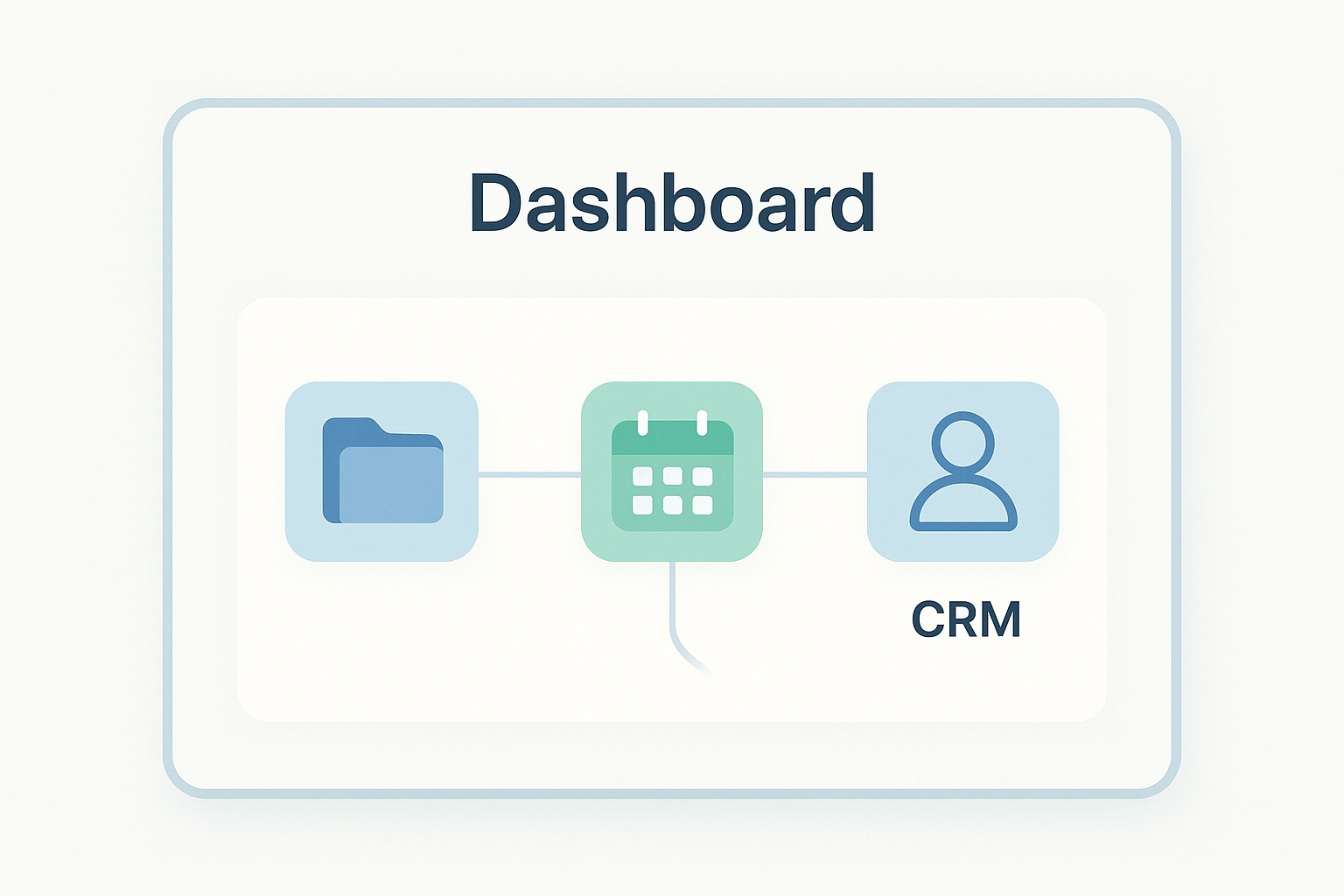
An integrated dashboard removes the need for a dedicated administrator to keep separate tools in sync.
How to Choose Software Without an IT Department: A Step-by-Step Process
Switching platforms can feel risky for a team with no technical staff. However, following a structured process reduces that risk considerably. Here is a practical sequence most small businesses can follow:
- Audit every current tool, including files, CRM, calendar, phones and email, and note where data overlaps or fails to connect.
- Define the handful of tasks your team does every single day so you can judge any platform against real needs, not marketing claims.
- Prioritize native integration over long feature lists, since a connected platform beats a powerful but disconnected one.
- Test the platform with two or three real employees for a week before fully committing the whole company.
- Migrate data in phases, starting with one department or file type, so operations continue smoothly during the switch.
Common Mistakes Businesses Make Without a Dedicated IT Team
Even well-meaning owners fall into predictable traps when they try to modernize their software stack without technical support on staff. Recognizing these patterns early can save months of frustration.
First, many teams pick tools one at a time based purely on price, without checking whether the new tool will talk to what they already use. This simply recreates the tool sprawl problem they were trying to escape. Second, businesses sometimes assume that "cloud" automatically means "simple," when in reality some cloud platforms still require significant configuration. Third, migrating everything at once, rather than in phases, often causes unnecessary downtime right when staff need stability most.
For further guidance on evaluating business technology decisions, the U.S. Small Business Administration offers general resources on managing technology at sba.gov, and CISA publishes basic cybersecurity guidance for small organizations at cisa.gov. Broader background on how cloud software is delivered is also available on Wikipedia's SaaS overview.
Who Benefits Most From an Integrated Cloud Platform?
Professional and service-based businesses with roughly 1 to 500 employees tend to see the biggest impact from consolidating their software stack. These are companies that need serious, enterprise-grade tools but do not have a Salesforce administrator or a Microsoft 365 specialist keeping things running behind the scenes.
Solo operators and small teams benefit just as much as larger ones, since they are typically already doing their own IT work. Learn more about who Atlas was built for by visiting the Atlas homepage, reviewing the available apps, or reaching out through the Atlas contact page for a walkthrough suited to your business size.

Running a lean office means fewer logins, fewer bills, and far less time spent troubleshooting.
Frequently Asked Questions
What is business software for companies without IT staff?
Business software for companies without IT staff is a platform built to run core operations, like files, CRM and calendar, with minimal setup and no dedicated administrator needed. It typically uses one login, one bill and built-in support instead of requiring a specialist to configure and maintain it.
Why do small businesses struggle with too many software tools?
Small businesses often adopt one tool at a time for files, contacts, calendars and phones, and those tools rarely connect to each other. As a result, staff waste hours copying data between systems and owners end up acting as the unpaid IT department.
How is Atlas different from Salesforce or Microsoft 365?
Atlas combines file storage, CRM and calendar under one identity layer so every app works together from day one. Salesforce and Microsoft 365 are powerful, but they usually need a dedicated administrator or outside consultant to configure and keep running.
How much does business software without IT support typically cost?
Pricing varies, but most all-in-one platforms built for small teams charge one predictable monthly fee per user instead of separate subscriptions for each tool. This consolidated billing is often cheaper than stacking five or six standalone apps once support and admin time are factored in.
How long does it take to set up a cloud business platform?
A well-designed platform can be set up in a day or two because it does not require custom configuration. Migrating existing files and contacts is usually the longest step, and that can often be done in phases over a week or two.
What features matter most for a business with no dedicated IT department?
Single sign-on, native integration between apps, and vendor support that does not require technical expertise matter most. Reliable cloud file storage and a CRM that connects to the calendar are also essential for daily operations.
Is cloud file storage safer than Dropbox or Google Drive for a small office?
A true cloud file server, which keeps one authoritative copy of every file instead of syncing copies to each device, reduces the risk of conflicted versions and lost work. This approach mirrors how traditional office file servers worked, but it runs in the cloud instead of in a server closet.
Can a one-person office benefit from an all-in-one business platform?
Yes, solo operators benefit just as much as larger teams because they are usually doing their own IT work already. Consolidating files, contacts and scheduling into one login removes several hours of administrative overhead each month.
What is the biggest mistake businesses make when choosing software without an IT team?
The most common mistake is picking tools one at a time based on price alone, without checking whether they integrate with existing systems. This leads right back to the tool sprawl problem the business was trying to avoid in the first place.
How does Atlas IAM simplify login management for small teams?
Atlas IAM is a shared identity layer that covers every app in the platform, so staff sign in once instead of juggling separate credentials for each tool. This also means there is only one place to manage access when someone joins or leaves the company.
Does business software for companies without IT staff still need any technical knowledge?
Basic computer literacy is helpful, but deep technical knowledge should not be required to run day-to-day operations. The platform's support team should handle anything that goes beyond normal use, similar to calling a single vendor instead of several.
What size company benefits most from an integrated cloud platform like Atlas?
Professional and service-based companies with roughly 1 to 500 employees tend to benefit most, since they need enterprise-grade tools but rarely have a Salesforce administrator or Microsoft 365 specialist on staff. Larger enterprises usually have in-house IT teams that can manage more complex, disconnected systems.
Final Thoughts
Choosing the right business software for companies without IT staff ultimately comes down to one question: does it reduce daily friction, or does it just add another login to manage? Tool sprawl develops gradually, one reasonable purchase at a time, but it carries a real cost in wasted hours and lost data. In contrast, a platform that combines files, CRM and calendar under one identity layer, like Atlas, gives small and mid-sized teams enterprise-grade capability without needing a dedicated administrator on payroll. Before adding another standalone app to the stack, it is worth auditing current tools, testing an integrated alternative with real staff, and migrating in phases. That approach turns business software for companies without IT staff from a constant chore into something the team barely has to think about.
