A cloud storage mapped network drive lets a team open, edit, and save files straight from a shared server, the same way an office network drive has worked for decades, except the server now lives in the cloud instead of a closet down the hall. Instead of syncing copies onto every laptop, a mapped drive connects directly to the source files. As a result, small and mid-sized businesses juggling Dropbox folders, email attachments, and a few extra copies on someone's desktop can finally fix a surprisingly expensive problem.
In short, a cloud storage mapped network drive is a cloud-hosted file server that appears as a normal drive letter or mounted volume on a computer, using a protocol like SMB, so files open and save directly on the server instead of being copied down and synced back up.
What Is a Cloud Storage Mapped Network Drive?
A cloud storage mapped network drive is a remote file server, hosted in the cloud, that a computer connects to and treats like a local drive. Specifically, it shows up in File Explorer, Finder, or a Linux file manager with its own letter or mount point, exactly like an office server would have in 2005. However, unlike a physical server sitting in a closet, it can be reached securely from anywhere with an internet connection.
The key difference from a shared folder app is where the file actually lives while someone works on it. With a mapped drive, the file stays on the server the entire time. Therefore, there is no local copy drifting out of sync, no upload delay, and no risk of two people editing two different versions of the same document.
Mapped Cloud Drives vs Traditional Sync Folders
Tools like Dropbox, Google Drive, and OneDrive work by copying files down to every device and trying to keep each copy current. That approach is convenient for personal use, but it causes real problems at work. For example, two employees editing the same proposal at the same time often end up with a "conflicted copy," and nobody is sure which version is correct.
In contrast, a mapped cloud drive skips the copying step entirely. When a file is opened, it is opened directly from the server. When it is saved, that save goes straight back to the same single file. As a result, laptops stop filling up with duplicate storage, and teams stop wondering which version is the real one. According to the Wikipedia entry on cloud storage, this server-based model is closer to how enterprise file systems have always worked, just delivered over the internet instead of a local area network.
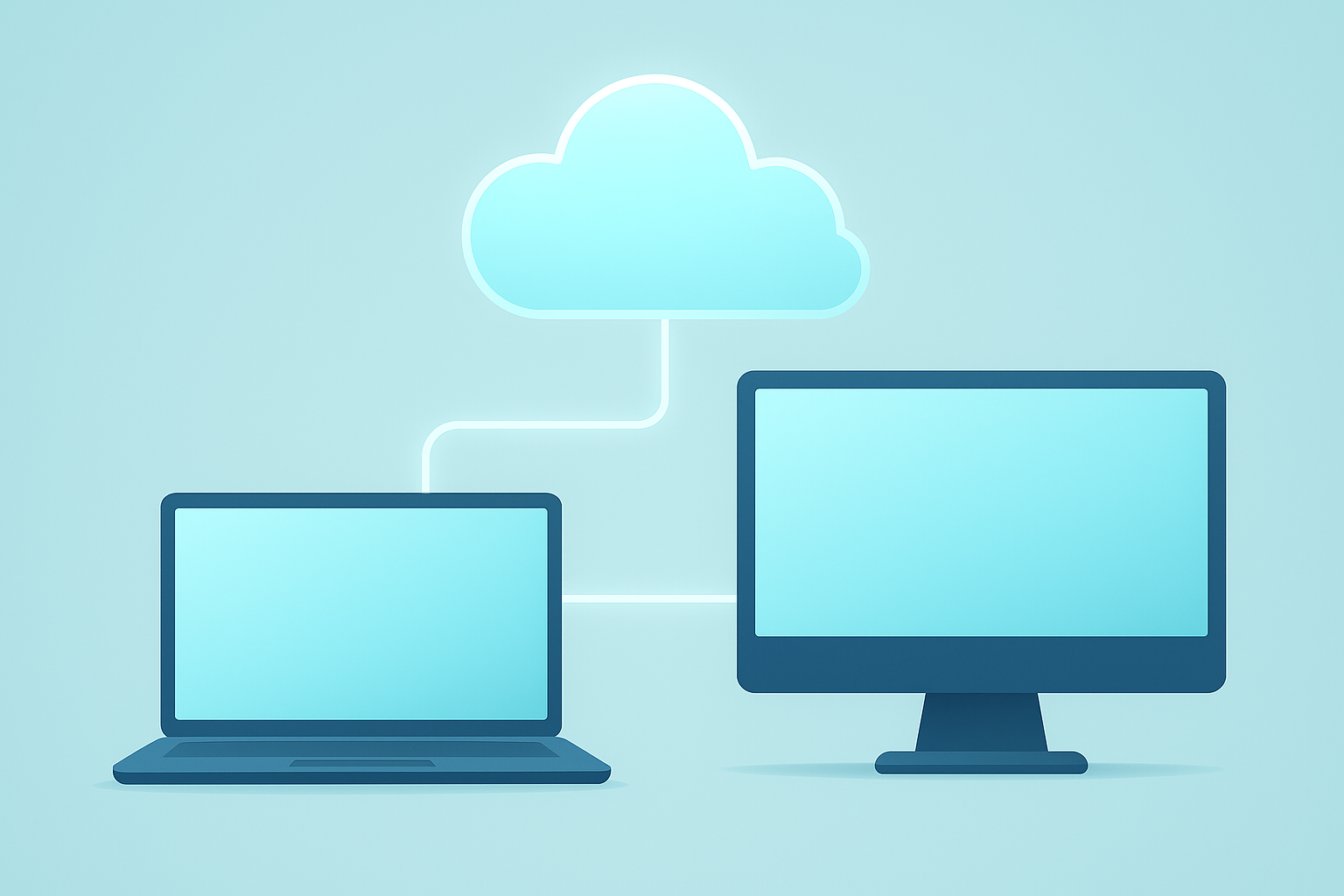
A cloud storage mapped network drive connects every device straight to the same server-based files.
How to Map a Network Drive to Cloud Storage
Setting up a cloud network drive is a straightforward process once a provider is selected. Below is the general sequence most small businesses follow.
- Choose a cloud file server provider. Select a business-grade platform that supports the SMB protocol so it can mount as a true network drive rather than a sync folder that copies data to every device.
- Set up accounts and permissions. Create user accounts, organize folders by client or department, and assign read or write permissions before anyone begins moving files into the new system.
- Connect each computer to the drive. On Windows, map the drive with a letter. On macOS, connect through Finder's server option. On Linux, mount the share using the standard mount point configuration.
- Migrate existing files. Move files from Dropbox, Google Drive, OneDrive, email attachments, and local desktops into the new structured folders, removing duplicate copies as you go.
- Train staff and retire old tools. Walk employees through opening and saving directly on the mapped drive, then turn off the old sync tools so nobody reverts to storing duplicate local copies.
Above all, resist the temptation to run the old sync folder and the new mapped drive side by side for too long. Keeping both active is the single most common reason migrations stall, because staff default back to whatever habit is easiest.
Key Benefits of a Cloud Network Drive for Growing Businesses
Switching to a cloud network drive solves problems that sync tools were never designed to fix. Firstly, there is only ever one version of a file, which removes the guesswork of hunting through "final_v2" and "final_v3" copies. Secondly, laptops and desktops stop filling up with duplicated storage, since nothing needs to be downloaded to work.
In addition, centralized file storage makes it far easier to manage access when someone joins or leaves the business. Instead of chasing down shared folder invitations across five different tools, permissions live in one place. Research from the McKinsey Global Institute has found that employees can spend close to 20 percent of their workweek searching for information or tracking down colleagues who have it, a cost that scattered file storage makes noticeably worse. Consolidating files onto a single mapped drive directly reduces that wasted time.
Finally, a cloud-hosted server scales without new hardware purchases. As a company grows from five to fifty employees, storage capacity and user accounts expand through the provider rather than through another server closet upgrade.

Centralized files mean every team member works from the same current document.
Cloud Storage Mapped Drives on Windows, macOS, and Linux
One advantage of a true mapped drive is that it works with the operating systems businesses already use, without extra software. On Windows, the connection appears as a standard drive letter, which is the same experience employees have used for years. On macOS, it mounts as a volume accessible through Finder. On Linux, it attaches as a mount point using the same SMB protocol described by the Server Message Block standard.
Consequently, IT support stays simple. There is no separate client app to install, update, or troubleshoot on each device, since the connection relies on protocols already built into every major operating system.
Avoiding Common Problems with Mapped Network Drives
Most issues with mapped drives trace back to planning, not technology. A disorganized folder structure, for instance, makes even a well-built cloud server feel chaotic. Before migrating files, it helps to sketch out folders by client, project, or department, and to decide who needs write access versus read-only access.
Connectivity is another common concern. Since the drive depends on an internet connection, a business should confirm the provider offers a stable, encrypted connection and clear guidance for remote or hybrid staff. The National Institute of Standards and Technology defines cloud computing models in its widely referenced publication, NIST Special Publication 800-145, which is a useful baseline when evaluating any provider's security claims.
Lastly, businesses sometimes underestimate the training step. Staff who have spent years saving to a synced desktop folder need a short walkthrough on the new habit: open directly, save directly, nothing to sync.

Day-to-day work on a cloud storage mapped network drive looks identical to using a local file server.
Choosing the Right Cloud File Storage Platform
Not every cloud storage provider offers a true mapped drive. Some only offer browser-based access or a sync app, which brings back the same duplication problems a mapped drive is meant to solve. When evaluating options, it is worth confirming SMB support, encryption standards, and whether the platform connects naturally to other business tools like CRM and calendar records.
Atlas File Storage, built by Hyperion Works, is one example built specifically for this use case. You can review how it mounts as a drive letter, volume, or mount point at atlascore.app, where files live on the server the same way they would on a traditional office file server. For businesses without a dedicated IT administrator, that single-vendor simplicity often matters as much as the underlying technology. Learn more about how the broader platform fits together by visiting Atlas's cloud business platform, or explore the company's approach to file storage directly through Atlas's homepage.
Frequently Asked Questions About Cloud Storage Mapped Network Drives
What is a cloud storage mapped network drive?
A cloud storage mapped network drive is a cloud-hosted file server that appears as a normal drive letter or mounted volume on a computer. Files open and save directly on the server instead of being copied down to a local hard drive and synced back up later.
How does a mapped network drive differ from Dropbox or Google Drive sync?
Sync tools copy files to every device and reconcile changes afterward, which is what causes conflicted copies. A mapped drive reads and writes the actual file on the server in real time, so there is only one current version.
Why do mapped network drives show as a drive letter on Windows?
Windows uses the SMB protocol to connect to file servers, and it represents that connection as a drive letter such as Z: for familiarity. This lets employees use File Explorer exactly as they would with a local or on-premise server.
Can Mac and Linux computers use a cloud storage mapped network drive?
Yes. macOS mounts the same SMB connection as a volume in Finder, and Linux distributions mount it as a standard mount point. No special client software is required on any of the three operating systems.
How much does it cost to set up a cloud mapped drive for a small business?
Pricing varies by provider and storage volume, but most business-grade cloud file platforms charge a predictable monthly fee per user or per terabyte rather than large upfront hardware costs. This replaces the capital expense of buying and maintaining a physical server.
How long does it take to map a cloud drive to a computer?
Mapping a single device typically takes only a few minutes once credentials are issued. Rolling the connection out across an entire office, including permissions and folder structure, usually takes a few hours to a day.
What causes conflicted copy errors and how does a mapped drive avoid them?
Conflicted copies happen when two people edit a synced local copy of the same file before it reconciles with the server. A mapped drive avoids this because everyone edits the same file on the server directly, with no local copy to fall out of sync.
What is the SMB protocol and why does it matter for cloud drives?
SMB, or Server Message Block, is the standard network protocol computers use to access files on a remote server as if they were local. It matters because it lets a cloud storage mapped network drive work with ordinary file explorers, no extra app required.
Is a cloud storage mapped network drive secure for sensitive business files?
Reputable business-grade platforms secure mapped drives with encrypted connections, centralized identity and access controls, and audit logging. Security depends heavily on the provider, so businesses should confirm encryption and permission controls before migrating sensitive files.
What common mistakes do businesses make when setting up network drives?
The most common mistakes are skipping a clear folder and permission structure, mixing old synced folders with the new drive, and failing to train staff on the difference between a mapped drive and a sync app. Planning the folder layout before migration avoids most of these issues.
Can multiple employees edit the same file at once on a mapped cloud drive?
Most file types support one active editor at a time with file locking to prevent overwrites, while some document formats allow true simultaneous editing. Either way, everyone works from the same server copy instead of separate local versions.
What is the best practice for organizing folders on a cloud network drive?
A good structure mirrors how the business actually works, typically by client, department, or project, with consistent permissions applied at the top level. Keeping the hierarchy shallow and predictable makes files easier to find and easier to secure.
Bringing It All Together
Ultimately, a cloud storage mapped network drive solves a problem most small businesses have simply learned to live with: scattered files, duplicate copies, and hours lost hunting for the right version. By connecting computers directly to a cloud-hosted server instead of syncing copies, teams get one current file, simpler permissions, and far less daily friction. Therefore, whether a business is just outgrowing Dropbox or planning a full move away from tool sprawl, starting with a properly mapped cloud drive is one of the highest-impact changes it can make.
