A Google Drive alternative for business is any cloud storage platform built to replace sync-folder tools like Google Drive, Dropbox, or OneDrive with a system that behaves more like a real office file server. For growing companies, this shift matters because sync-based tools quietly create duplicate files, version conflicts, and disconnected data. Specifically, the right alternative should centralize files, connect to the rest of your business software, and avoid the "conflicted copy" problem altogether.
Direct answer: The best Google Drive alternative for business is a cloud platform, such as Atlas, that mounts as a real network drive instead of syncing copies to every device. This removes version conflicts, keeps files current the moment they are saved, and typically connects to CRM and calendar tools under one login.
What Is a Good Google Drive Alternative for Business?
A good Google Drive alternative for business is a storage platform that solves the specific problems sync tools create. Because Google Drive, Dropbox, and OneDrive all copy files down to local devices, two people editing the same document can end up with conflicting versions. In contrast, a true cloud file server opens and saves files directly on the server, so there is only ever one current copy.
Beyond storage mechanics, a strong alternative also considers how files connect to the rest of a business. For example, Atlas links files from its cloud storage app, AtlasFS, directly to CRM records and calendar events, so a signed contract or a client proposal is never buried in an email thread. As a result, teams spend less time hunting for documents and more time doing billable work.
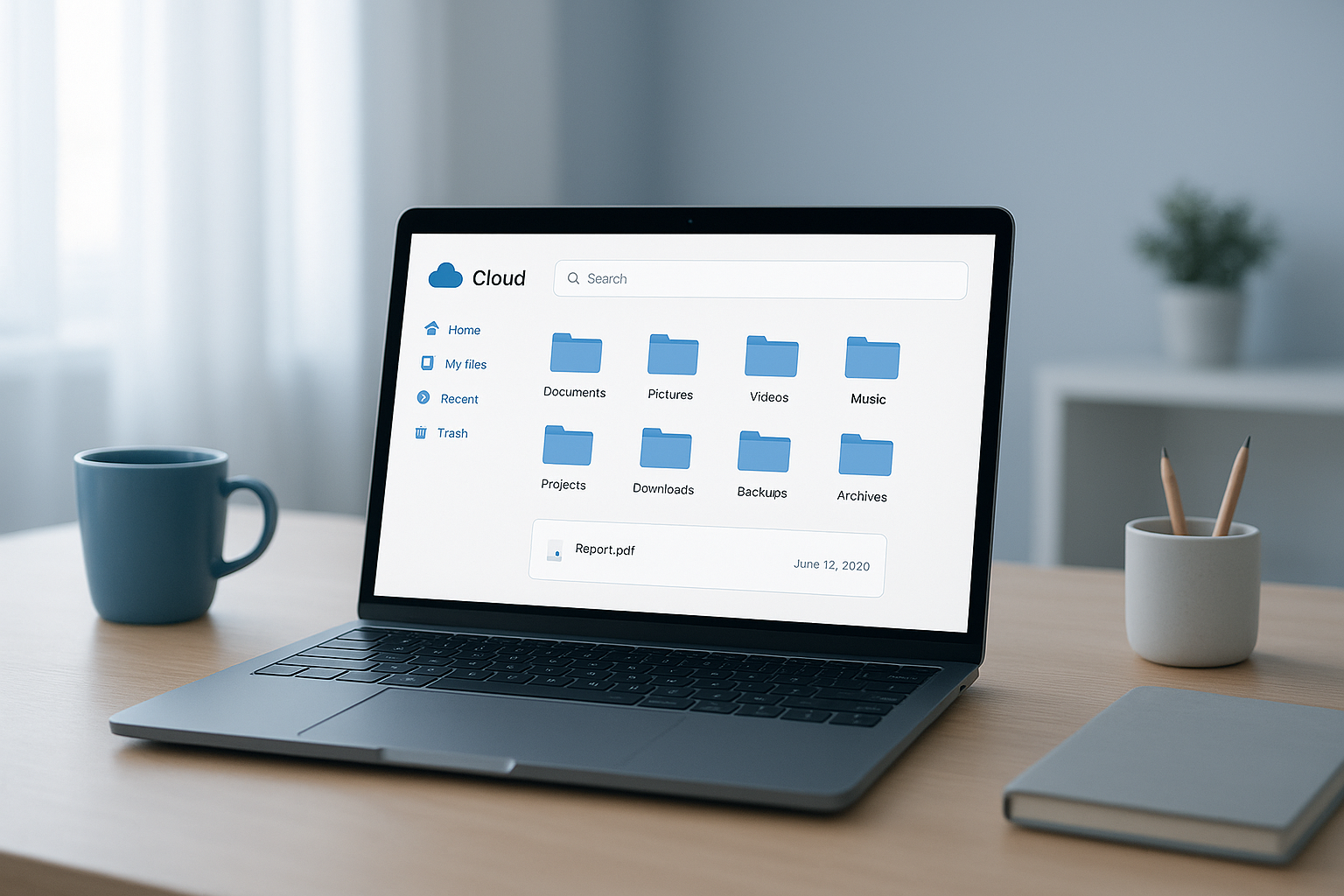
A clean, organized file dashboard is one of the first signs of a strong Google Drive alternative for business.
Why Businesses Look for an Alternative to Google Drive
Tool sprawl is the quiet tax every growing company pays. Client contacts live in one app, files scatter across Dropbox, Google Drive, and someone's desktop, and the calendar sits in a third system entirely. Consequently, staff waste hours copying data between tools, and nobody notices a dropped contract until a client asks about it.
According to the U.S. Small Business Administration, there are more than 33 million small businesses operating in the United States today, and the vast majority of them run on exactly this kind of disconnected stack. Because most of these companies do not employ a dedicated IT administrator, the burden of managing five separate logins, five separate bills, and five separate support numbers usually falls on the owner.
Large enterprises solve this by hiring consultants to stitch systems together. Small and mid-sized businesses, however, rarely have that budget. That gap is exactly why demand for a genuine alternative to Google Drive has grown alongside the rise of all-in-one business platforms.
Google Drive Alternative for Business: Key Features to Look For
Not every cloud storage platform marketed to companies actually solves the sync-conflict problem. Therefore, it helps to know which features separate a genuine upgrade from a rebranded sync folder.
- Native drive mounting: Files should mount as an actual drive letter on Windows, a volume on macOS, or a mount point on Linux using a protocol like SMB, rather than syncing a local copy.
- Single sign-on: One login should cover every connected app, removing the need to manage separate credentials for storage, CRM, and calendar tools.
- Native integrations: Files, contacts, and calendar events should connect automatically instead of requiring manual copy-paste work.
- Predictable billing: One monthly invoice and one vendor to call is far easier to manage than five separate subscriptions.
How Atlas Compares as a Cloud Storage Alternative to Google Drive
Atlas, built by Hyperion Works, approaches storage differently from Google Drive. Its file storage app, AtlasFS, works the way a traditional office file server works, but hosted entirely in the cloud. Specifically, it mounts as a network drive on Windows under any drive letter, as a volume on macOS, and as a mount point on Linux, all through the standard SMB protocol referenced earlier.
Because files live on the server rather than on every laptop, opening a file opens the live version directly, and saving writes changes back instantly. This eliminates the "conflicted copy" files that plague sync-based tools and frees up local hard drive space that would otherwise be consumed by duplicate copies.
In addition, AtlasFS connects natively to Atlas CRM and Atlas Calendar through one shared identity layer called Atlas IAM. As a result, a file attached to a calendar event or linked to a client record stays connected automatically, rather than living in isolation. You can review the platform directly at atlascore.app to see how the apps fit together.
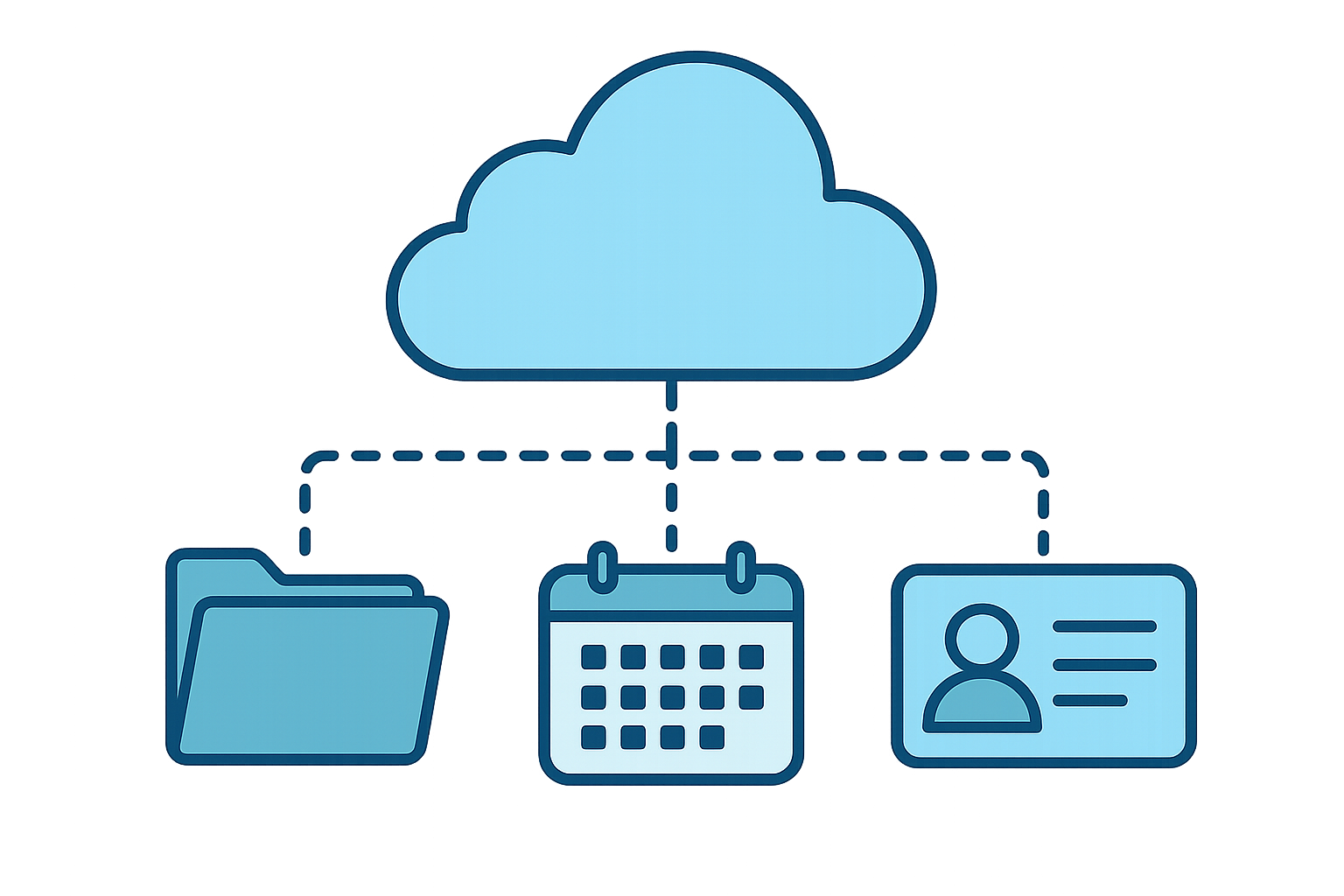
Connecting files, contacts, and calendars under one login reduces the manual data entry common in disconnected stacks.
How to Switch from Google Drive to a Business File Server
Switching platforms can feel daunting, but breaking it into clear steps keeps the process manageable for a small team. Below is the process most businesses follow when moving to a cloud file server.
- Audit your current files. Review every shared drive, folder, and desktop copy to see what actually exists before moving anything, flagging duplicates along the way.
- Map permissions and access needs. Document exactly who needs access to which folders, since this is the ideal time to tighten old, overly broad permissions.
- Set up your new cloud file server. Configure the platform and mount it as a network drive on each device, confirming Windows, macOS, and Linux machines all connect smoothly.
- Migrate files in batches. Move files department by department instead of all at once, allowing staff to verify nothing was missed along the way.
- Train staff on the new workflow. Show teams how to open and save files directly on the server, since this habit prevents the version conflicts sync tools cause.
- Decommission the old sync folders. Once access is confirmed, disable the old sync application everywhere to remove lingering duplicate copies for good.
Choosing the Right Business Cloud Storage Solution
Ultimately, the right choice depends on how your team actually works. A five-person company with light file sharing might tolerate a basic sync tool for a while longer. However, a 50-person firm juggling client contracts, proposals, and shared calendars will quickly outgrow it.
For reference on how cloud computing is formally defined, the National Institute of Standards and Technology describes it as on-demand network access to a shared pool of configurable resources. That definition matters here because true cloud file servers, unlike sync folders, fully embrace that model by keeping the resource, your files, centralized rather than duplicated across devices.
Similarly, it's worth comparing how Google itself documents Google Drive's sync-based architecture against server-based alternatives before committing. Above all, prioritize a platform built for your business size rather than one designed primarily for personal file backup. You can explore Atlas's approach to this directly at atlascore.app.
Frequently Asked Questions About Google Drive Alternative for Business
What is a good Google Drive alternative for business?
A good Google Drive alternative for business is a platform that mounts as a real network drive instead of syncing copies to each device. Atlas, for example, uses the SMB protocol so files behave like a traditional office file server, but hosted in the cloud.
How does Atlas differ from Google Drive?
Google Drive syncs file copies to every device, which can create conflicted versions when two people edit at once. Atlas instead opens and saves files directly on the server, removing that risk entirely.
Why do businesses switch away from Google Drive?
Businesses typically switch because sync-based storage causes duplicate files and version conflicts as teams grow. In addition, limited integration with CRM and calendar tools forces staff to re-enter data manually.
How much does a Google Drive alternative for business cost?
Costs vary by provider, typically ranging from a per-user monthly fee to flat organizational pricing. Atlas bundles file storage with CRM and calendar tools under one monthly bill rather than charging for each tool separately.
How long does it take to migrate from Google Drive to a new platform?
A small team can usually migrate within a few days, while larger organizations with complex permissions may need two to four weeks. The timeline mostly depends on how many shared drives and folders need reorganizing first.
What common mistakes do businesses make when switching cloud storage?
The most common mistake is migrating files without auditing folder structure first, which carries old clutter into the new system. Skipping staff training is another frequent error, since it causes people to revert to old habits like emailing attachments.
Can a Google Drive alternative work with Windows, Mac, and Linux?
Yes, a well-built alternative should support every major operating system through a standard protocol. Atlas, for instance, mounts on Windows, macOS, and Linux using SMB without requiring special client software.
Is a business file server more secure than Google Drive?
Security depends largely on configuration rather than the platform alone, but centralized file servers reduce risk by eliminating scattered local copies. Fewer copies in circulation generally mean fewer chances for outdated or unprotected files to linger on laptops.
What is the SMB protocol and why does it matter?
SMB, or Server Message Block, is a long-standing network protocol used to share files and printers across a network. It matters here because it allows cloud storage to mount as a familiar drive letter instead of requiring a separate sync application.
Does Atlas replace other tools besides file storage?
Yes, Atlas already includes CRM and calendar tools alongside file storage, with phones, SMS, email, AI document management, and a full office suite on the roadmap. Every app shares one login through Atlas IAM, so there are no extra credentials to manage.
What size business is Atlas built for?
Atlas is designed for professional and service-based businesses with roughly 1 to 500 users. It specifically targets companies that need enterprise-grade software but lack a dedicated IT department or Microsoft 365 specialist on staff.
What are best practices for choosing a cloud storage alternative?
Prioritize platforms that eliminate sync conflicts, support your team's operating systems natively, and connect with the other tools you already use. It also helps to choose one vendor with one bill rather than stitching together several separate services.
Do I need an IT department to run Atlas?
No, Atlas is built so teams without a dedicated IT administrator can set it up and start working quickly. Its single sign-on and native integrations remove most of the configuration work larger enterprise suites normally require.
What happens to my files if I cancel a cloud storage subscription?
Reputable providers give businesses a window to export their files before access ends. Therefore, it is wise to confirm export options and timelines in writing before committing to any cloud storage platform.

Choosing the right Google Drive alternative for business often comes down to how well files connect to the rest of a team's daily workflow.
Final Thoughts
Choosing a Google Drive alternative for business comes down to one question: does the platform centralize files, or does it just copy them around? Sync-based tools were never designed to scale with growing teams, and the resulting version conflicts, scattered folders, and disconnected tools quietly cost businesses time every single week. A cloud file server like AtlasFS, built into the broader Atlas platform, solves this by keeping one true version of every file and connecting it directly to CRM and calendar records. For businesses without a dedicated IT team, that combination of simplicity and real functionality is exactly what makes switching worthwhile. Learn more about how the platform works at atlascore.app.
