A Google Workspace alternative for small business is what many owners start searching for the moment they realize that email and shared docs alone cannot run an entire company. Somewhere between the client contacts stuck in one app, the files scattered across three sync folders, and the calendar that never quite matches what the phone team knows, it becomes clear that a simple office suite was never built to carry the whole business. That gap is exactly where a unified platform like Atlas steps in.
Google Workspace is a solid starting point for a two-person shop sending email and sharing a few documents. However, as a team grows past a handful of employees, the cracks show. Consequently, many professional and service-based businesses begin evaluating alternatives that combine more of their daily tools under a single roof.
Direct answer: A Google Workspace alternative for small business is a platform that replaces or extends Gmail, Drive, Docs, and Calendar with a broader set of tools, often adding CRM, phones, or document management, all under one login and one monthly bill instead of several disconnected subscriptions.
What Is a Google Workspace Alternative for Small Business?
In short, a Google Workspace alternative for small business swaps out Google's email-and-docs suite for a platform built around how a growing company actually operates. Rather than stopping at email and file sharing, the strongest alternatives bring client management, scheduling, and storage into the same system.
For example, Atlas starts with Atlas File Storage, a CRM, and a shared calendar, with communications and document tools arriving next. Because every app shares one identity layer, called Atlas IAM, employees sign in once and move between tools without separate passwords or support tickets.
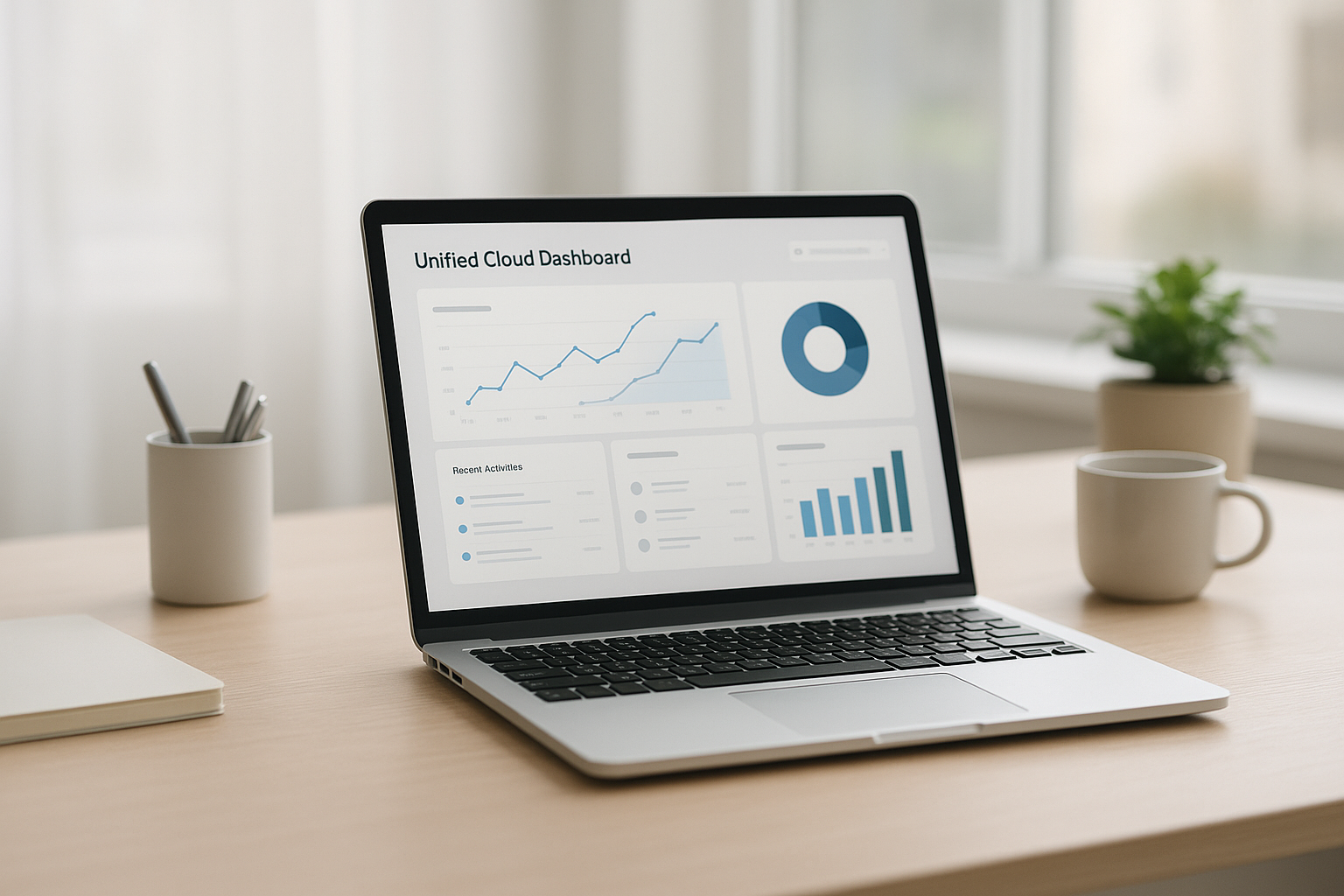
A single dashboard replaces the patchwork of logins that most growing teams accumulate.
Why Small Businesses Look for Alternatives to Google Workspace
Tool sprawl is the quiet tax on almost every small professional services firm. Client contacts live in one app, files sit in Dropbox or Drive plus a few desktop copies, the calendar is in Google, and the phone system comes from an entirely separate vendor. Each decision made sense on its own. Together, however, they create a stack of subscriptions, logins, and support numbers that never talk to each other.
Industry research on SaaS management has repeatedly found that even small organizations often run dozens of separate applications, a pattern researchers call software sprawl. The hidden cost is not just the monthly bills. It is the staff time spent re-entering the same data twice, the client call that never gets logged because the phone system cannot see the CRM, and the hours an owner spends acting as the company's unofficial IT administrator.
Large enterprises solve this by hiring consultants to stitch suites like Salesforce or Microsoft Dynamics together. Small businesses, in contrast, usually just live with the mess. That is precisely the gap a true Google Workspace alternative for small business is meant to close.
Key Features to Expect From a Google Workspace Replacement
Not every alternative is built the same way. Before switching, it helps to know which features actually reduce complexity instead of just moving it somewhere else.
- A real network-drive file server, not another sync folder that creates conflicted copies.
- Built-in CRM so client contacts, notes, and history live in one place.
- A shared calendar that links directly to client and project records.
- Single sign-on across every app, so staff manage one password instead of five.
- One monthly bill and one support number instead of a pile of vendor contracts.
Introducing Atlas as a Unified Platform
Atlas is built by Hyperion Works, a Tempe, Arizona technology company that has managed IT, phones, email, and file systems for small and mid-sized businesses since 2011. Atlas brings together the core tools a business runs on, including file storage, CRM, and calendar today, with phones, SMS, email, AI document management, and a full office suite planned next.
Unlike a typical office suite, Atlas File Storage, or AtlasFS, mounts directly as a network drive on Windows, a volume on macOS, or a mount point on Linux using the standard SMB protocol, a long-established file-sharing standard described in detail by Wikipedia's entry on SMB. Files live on the server, so opening and saving a document happens directly rather than through a delayed sync. You can review the current Atlas lineup at atlascore.app to see which tools are available today.

Moving from scattered apps to one connected system is the core promise behind any Google Workspace alternative worth considering.
How Atlas Stacks Up Against Google Workspace
Google Workspace remains a strong, well-documented product, and its own overview on Wikipedia outlines its core apps: Gmail, Drive, Docs, Sheets, and Calendar. The comparison below highlights where the two approaches differ for a growing service business.
| Capability | Google Workspace | Atlas |
|---|---|---|
| File storage model | Sync-based Drive folders | Real network drive via AtlasFS |
| Built-in CRM | Not included | Included today |
| Calendar tied to client records | Separate from CRM | Natively linked |
| Single sign-on across all apps | Google account only | Atlas IAM for every app |
How to Switch From Google Workspace to a Unified Platform
Switching platforms sounds daunting, but it is manageable when broken into clear steps. Here is a straightforward process most small teams can follow.
- Audit every tool your team currently uses for email, files, scheduling, and client records, noting overlaps and gaps so you know exactly what needs to move.
- Export your Google Drive files, Google Contacts, and Calendar events into organized folders so they are ready to import without losing historical records.
- Create your account on the new platform, configure single sign-on for every employee, and connect your cloud file storage as a network drive on each workstation.
- Import your CRM contacts and calendar events, then test file access and permissions with a small group before rolling the switch out company-wide.
- Train staff on where files, contacts, and calendar events now live, then cancel old subscriptions once the new system is confirmed working.
Security and Reliability Considerations
Security should never be an afterthought when choosing business software. Federal guidance from the Cybersecurity and Infrastructure Security Agency recommends centralizing identity management and limiting the number of separate credentials employees must track, since each extra login is another potential point of failure. A platform built on a single identity layer, such as Atlas IAM, directly addresses that guidance by removing redundant passwords across every connected app.
Similarly, because AtlasFS keeps files on the server rather than copying them to every laptop, a lost or stolen device does not automatically mean a lost copy of sensitive client data. That distinction matters more for professional services firms handling contracts, financial records, or client files than it might first appear.
Frequently Asked Questions
What is a Google Workspace alternative for small business?
A Google Workspace alternative for small business is a software platform that replaces Gmail, Drive, Docs, and Calendar with a different set of tools for email, file storage, scheduling, and collaboration. Some alternatives also bundle in CRM, phones, or document management so a company can run more of its operations from one vendor.
How does Atlas differ from Google Workspace?
Atlas combines file storage, CRM, and calendar under one login today, with communications and document tools rolling out, while Google Workspace focuses mainly on email, documents, and basic storage. Atlas files mount as a real network drive instead of a syncing folder, which avoids the conflicted-copy problems common with sync-based storage.
Why do small businesses switch away from Google Workspace?
Businesses often outgrow Google Workspace once they need a CRM, a shared network drive, or phone and SMS tools, since Google Workspace does not include those natively. As a result, teams end up adding more subscriptions that do not talk to each other.
How much does a Google Workspace alternative typically cost?
Pricing varies widely, but most all-in-one platforms charge a single monthly fee per user that replaces several separate subscriptions. Because the fee consolidates file storage, CRM, and calendar costs, many businesses see lower total spending even if the per-user price looks similar at first glance.
How long does it take to migrate from Google Workspace?
A small team can usually migrate core files, contacts, and calendar events within a few days to two weeks, depending on data volume. Larger migrations with complex permission structures may take longer, so testing with a small group first is recommended.
What features should a small business look for in an alternative?
Look for true network-drive file storage instead of sync folders, built-in CRM, shared calendars tied to client records, and a single sign-on system. These features reduce the number of logins and subscriptions a team has to manage day to day.
Is Atlas secure for storing business files?
Atlas File Storage uses the standard SMB protocol to mount as a secure network drive, and access runs through Atlas IAM, a single identity layer shared across every Atlas app. Centralizing identity in one place reduces the number of separate credentials that could be lost or compromised.
Can I use my own domain email with an all-in-one platform?
Most unified business platforms, including Atlas as its communications suite rolls out, are designed to work with a company's existing domain. This lets staff keep a professional email address while gaining file, CRM, and calendar tools under the same login.
What common mistakes do businesses make when switching platforms?
The most common mistake is migrating everyone at once without testing file permissions and data imports first. Skipping staff training is another frequent error, since employees need to know exactly where their files, contacts, and calendar events now live.
Does a Google Workspace alternative support CRM and calendar together?
Yes, platforms built for integration link calendar events directly to CRM records, so a meeting automatically shows up on the client's profile. Atlas does this natively, attaching files, events, and contact history to one record instead of three separate systems.
Who is Hyperion Works and what is Atlas?
Hyperion Works is a Tempe, Arizona technology company that has managed IT, phones, email, and file systems for small and mid-sized businesses since 2011. Atlas is the all-in-one cloud platform Hyperion Works built to bring those tools together under one login and one monthly bill, a promise summed up in its tagline, The Power to Work Free.
Is Atlas suitable for companies without an IT department?
Yes, Atlas is built specifically for businesses with 1 to 500 users that need enterprise-grade software but do not have a Salesforce administrator or Microsoft 365 specialist on staff. Setup is designed to be manageable without dedicated technical support.
What happens to my files when I move off Google Drive?
Files exported from Google Drive can be transferred into a new platform's storage system, such as AtlasFS, which mounts as a network drive rather than a sync folder. This means files are opened and saved directly on the server instead of being copied to every device.

Linking calendar events to client records removes the gaps that separate tools usually leave behind.
Final Thoughts
Choosing a Google Workspace alternative for small business ultimately comes down to one question: does the new platform reduce complexity, or just relocate it? Google Workspace handles email and documents well, but it was never designed to be a CRM, a network file server, or a phone system. Therefore, businesses that have outgrown a simple office suite usually benefit most from a platform that was built, from the start, to connect those pieces natively.
Atlas, built by Hyperion Works, approaches this problem directly by combining file storage, CRM, and calendar under one login today, with communications and document tools arriving next. For a small or mid-sized service business without a dedicated IT team, that kind of consolidation can mean fewer logins, fewer bills, and far less time spent stitching systems together by hand. Learn more about the current lineup at atlascore.app.
