Microsoft 365 Alternative for Small Business: Atlas
A Microsoft 365 alternative for small business is what many owners start searching for once their monthly software bill outgrows their patience and their files, contacts, and calendars end up scattered across five different places. In particular, service-based firms with lean teams feel this pain the most because nobody on staff has time to play IT administrator between client work.
Microsoft 365 is a capable suite, however it was never designed to replace a CRM or a phone system. As a result, most small businesses still bolt on three or four additional vendors, and none of them talk to each other. This article looks at why that gap exists, what a true alternative should do, and how a consolidated platform like Atlas, built by Hyperion Works, approaches the problem differently.
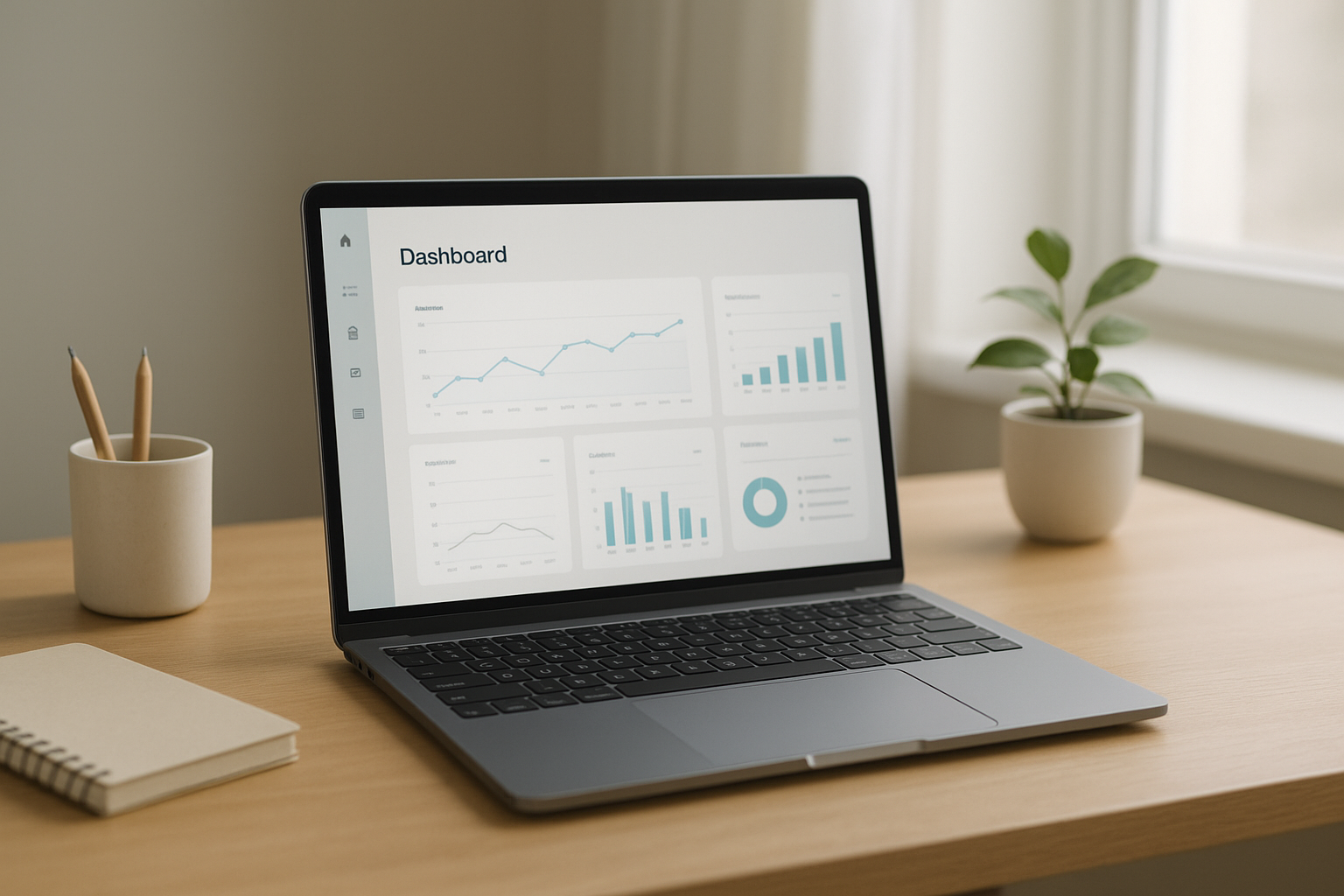
A single dashboard replacing scattered file, CRM, and calendar tools.
What Is a Microsoft 365 Alternative for Small Business?
A Microsoft 365 alternative for small business is a platform that replaces, or significantly reduces reliance on, Microsoft's email, file storage, and office tools by bundling additional core business functions, such as CRM and scheduling, into one system with a single login and bill.
Unlike Microsoft 365 alone, a true alternative aims to remove the need for separate vendors entirely rather than simply swapping one email provider for another. For example, instead of pairing Microsoft 365 with a third-party CRM and a separate cloud file server, a consolidated platform keeps those functions connected from the start.
Direct answer: Small businesses typically seek a Microsoft 365 alternative to stop paying for, and managing, five or more disconnected tools. Platforms like Atlas combine file storage, CRM, and calendar under one login so client data, files, and schedules stay in sync automatically.
The Real Cost of Tool Sprawl
Walk into almost any small professional services firm and the pattern repeats. Client contacts live in one app. Files live in Dropbox, Google Drive, or OneDrive, plus a few stray copies on someone's desktop. The calendar sits in Google or Outlook, and the phone system comes from yet another vendor entirely.
Each tool was a reasonable decision on the day it was purchased. Together, however, they add up to separate subscriptions, separate logins, and separate support numbers that never talk to each other. According to the U.S. Small Business Administration, administrative overhead is one of the most commonly cited drains on small business productivity, and fragmented software is a major contributor.
The real cost is not just the subscription fees. It is the time staff spend copying data between systems, the client call that never gets logged because the phone cannot see the CRM, and the file conflict where two people overwrite each other's work. Consequently, owners end up acting as the company's unpaid IT department.
Why Small Businesses Are Searching for a Microsoft 365 Replacement
Large companies solve tool sprawl by hiring consultants to stitch enterprise suites together. Small businesses usually just live with it, in part because powerful tools like Salesforce or Microsoft Dynamics are expensive and often require a dedicated administrator to configure correctly.
Meanwhile, simple tools are rarely powerful enough to run a growing service business. This leaves owners stuck between two bad options: pay for complexity they cannot manage, or patch together simple apps that do not connect. As a result, interest in a true Microsoft 365 replacement has grown steadily among firms with 1 to 500 employees that need enterprise capability without enterprise overhead.
Above all, the goal is not fewer features. It is fewer logins, fewer bills, and one vendor to call when something breaks.
Introducing Atlas: An All-in-One Cloud Business Platform
Atlas, built and operated by Hyperion Works, a Tempe, Arizona technology company running IT, phones, email, and file systems for small businesses since 2011, was designed from the ground up to avoid the simple-versus-powerful trade-off described above.
Every Atlas app shares the same identity layer, Atlas IAM, so one sign-on covers everything. There are no separate credentials to manage or reset. In addition, every app connects natively: calendar events link to CRM records, and files attach directly to events, giving the business one source of truth instead of five partial ones. You can review the platform directly at atlascore.app to see how the pieces fit together.
How Atlas Compares to Microsoft 365
Microsoft 365 excels at email and document editing but leaves CRM, file serving, and client communication to third-party add-ons. Atlas, in contrast, treats those functions as native parts of one platform rather than optional extensions, which is precisely what makes it a workable Microsoft 365 alternative for small business teams without in-house specialists.

Scattered subscriptions versus one connected system.
Key Features of a Microsoft 365 Alternative for Small Business
Not every consolidated platform is built the same way. The features below outline what Atlas offers today, with more modules planned.
Atlas File Storage (AtlasFS)
Services like Dropbox, Google Drive, and OneDrive work by copying files down to every computer and trying to keep each copy current. That approach causes the familiar "conflicted copy" files when two people edit the same document, and it fills up laptop hard drives in the process.
AtlasFS instead works the way a traditional office file server works, but hosted in the cloud. It mounts directly as a network drive on Windows, as a volume on macOS, and as a mount point on Linux, using the standard SMB protocol (a long-established file-sharing standard used by office networks for decades). Because files live on the server, opening a file opens it directly, and saving writes changes immediately rather than queuing a sync.
CRM and Calendar Integration
Because Atlas CRM and calendar share the same identity layer, scheduling a meeting automatically links it to the right client record. Similarly, files stored in AtlasFS can attach directly to calendar events, removing the manual step of hunting down a document before a client call.
How to Switch from Microsoft 365 to a Unified Platform
Switching platforms does not have to mean downtime or lost data. Following a structured sequence keeps the transition manageable for a small team.
- Audit your current tools. List every subscription in use for file storage, CRM, calendar, email, and phones, including renewal dates.
- Map your data. Identify where client contacts, shared files, and calendar events actually live today, since this data is often scattered across desktops and email attachments.
- Choose a migration order. Move one data type at a time, starting with files, then contacts, then calendar events, instead of attempting everything at once.
- Run a pilot with one team. Test the new platform with a small group for one to two weeks so issues surface early with minimal disruption.
- Decommission old subscriptions. Once data and users have moved successfully, cancel redundant licenses to stop paying for duplicate services.
Who Should Consider This Switch
Atlas is built for professional and service-based businesses with roughly 1 to 500 users: companies that need serious, enterprise-grade software but do not have a dedicated IT department, a Salesforce administrator, or a Microsoft 365 specialist on staff to keep everything running.
If your team is still emailing files back and forth, texting clients from personal phones, or searching three apps to find a single contact's history, that is usually a sign tool sprawl is already costing more than a consolidated platform would. For further background on how small and mid-sized firms are categorized, see Wikipedia's overview of small and medium-sized enterprises.

Consolidated client records reduce time spent switching between apps.
Frequently Asked Questions
What is a Microsoft 365 alternative for small business?
A Microsoft 365 alternative for small business is a platform that replaces Microsoft's email, file storage, and office tools with a different vendor, often one that bundles CRM and calendaring directly into the same system.
Why do small businesses look for alternatives to Microsoft 365?
Many businesses look for alternatives because licensing gets complex as they add users, and Microsoft 365 still requires separate tools for CRM and phones, which creates tool sprawl over time.
Is Atlas cheaper than Microsoft 365 for small teams?
Atlas is built around one monthly bill instead of stacking separate subscriptions for file storage, CRM, and calendar tools, which typically lowers total software costs compared to running Microsoft 365 alongside other vendors.
Does Atlas replace Dropbox, Google Drive, or OneDrive?
Yes. Atlas File Storage mounts as a true network drive so files open and save directly on the server instead of syncing copies to every device, unlike Dropbox or OneDrive.
How long does it take to migrate from Microsoft 365 to Atlas?
Timelines vary by company size, but most small teams can move files, contacts, and calendars within a few days to a couple of weeks when following a staged migration plan.
What size business is Atlas built for?
Atlas is designed for professional and service-based businesses with roughly 1 to 500 users that need enterprise-grade software without a dedicated IT department.
Does switching to a Microsoft 365 alternative mean losing features?
Not necessarily. Atlas was designed to deliver enterprise-grade capability without requiring a dedicated administrator, so businesses keep serious functionality while simplifying setup.
What is the biggest mistake businesses make when switching platforms?
The most common mistake is migrating everything at once without a plan. Staging the migration by data type reduces the risk of lost files and duplicate contacts significantly.
How is AtlasFS different from a regular cloud sync folder?
AtlasFS works like a traditional office file server hosted in the cloud using the SMB protocol, so files are opened and saved directly on the server rather than copied down to each device.
Can Atlas integrate CRM and calendar data automatically?
Yes. Because every Atlas app shares the same identity layer, calendar events link directly to CRM records and files attach to events without manual copying between systems.
Is Atlas a good Microsoft 365 alternative for small business owners without an IT team?
Yes. Atlas was specifically built for businesses lacking a dedicated IT department, offering one login and one vendor to call instead of managing multiple disconnected systems.
What business functions does Atlas currently include?
Today Atlas includes file storage, CRM, and calendar tools, with phones, SMS, email, AI document management, and a full office suite planned as future additions.
Does moving to one platform create a single point of failure?
Consolidating tools does concentrate dependency on one vendor; however, it also removes the coordination failures that happen when several disconnected systems must stay in sync.
How does single sign-on work in a unified business platform?
A shared identity layer, such as Atlas IAM, lets employees log in once to access every connected app instead of managing separate usernames and passwords for each tool.
Final Thoughts
Choosing a Microsoft 365 alternative for small business ultimately comes down to one question: how much time is your team losing to tools that do not talk to each other? Tool sprawl rarely announces itself loudly, but it quietly taxes every client call, file save, and scheduling task.
Atlas addresses this by combining file storage, CRM, and calendar tools under one login and one monthly bill, with communications and document tools on the way. Therefore, businesses that have outgrown patchwork software but lack a full IT team have a practical path forward. You can explore the platform further at atlascore.app to see whether it fits your team's workflow.
