
Simple CRM for Small Business: How to Choose the Right One
A simple CRM for small business is customer relationship management software built for lean teams that need to track clients, calendars, and deals without hiring a full-time administrator just to keep the system running. Most small professional service firms do not have a Salesforce specialist on payroll, and honestly, they should not need one just to remember who called last Tuesday. This guide covers everything a small team needs to know: what a simple CRM actually does, how it differs from free and enterprise alternatives, what it really costs, the mistakes most buyers make, and where a connected platform like Atlas fits into the picture.
Quick answer: a simple CRM for small business stores contacts, logs communication history, and organizes deals in one shared record, without the configuration overhead of enterprise platforms. In particular, the best options connect naturally to the calendar and files a team already uses, so staff log in once and get straight to work instead of hopping between five different apps.
What Is a Simple CRM for Small Business, Really?
In short, it is software that replaces scattered contact lists, sticky notes, and endless inbox searching with one shared record for every client. Instead of five people guessing who followed up last, everyone on the team sees the same history in the same place, updated in real time.
According to Wikipedia's overview of customer relationship management, CRM software originally grew out of enterprise sales departments that needed to manage large, complex pipelines across dozens of representatives. However, small businesses rarely need that level of complexity. A simple CRM keeps the core idea, tracking people and conversations, while skipping the custom workflows that otherwise require weeks of setup and a trained administrator to maintain.
Therefore, the real test of a simple CRM is not how many features it packs into a pricing page. Instead, it is how quickly a brand-new employee can open the tool and understand exactly what happened with a client last week, without asking three colleagues for context first.
A simple CRM for small business keeps contacts, calendars, and notes visible in one shared dashboard.
Why Small Teams Outgrow Spreadsheets and Shared Inboxes
Most small professional services firms start the same way. Client contacts live in one app, files sit in Dropbox or a shared drive, the calendar lives in Google or Outlook, and the phone system comes from an entirely different vendor. Each decision made sense on its own at the time it was made.
Together, however, those separate tools add up to a stack of subscriptions, logins, and support numbers that do not talk to each other. As a result, staff spend real hours every week copying data between systems, and client calls that never get logged simply disappear into thin air.
In fact, the U.S. Small Business Administration notes that small firms make up the vast majority of U.S. businesses, yet most operate without a dedicated IT staff member to manage this kind of sprawl. Consequently, the owner often ends up acting as the company's unpaid systems administrator, a job nobody applied for and nobody has time to do well.
Core Features of an Easy CRM Platform for Lean Teams
Not every CRM feature matters equally to a small team. Specifically, a handful of basics tend to separate a genuinely easy CRM platform from one that only looks simple in the marketing screenshots.
- Contact and company records that show full communication history at a glance, without digging through folders.
- Deal or pipeline tracking that does not require a paid consultant to configure stages.
- Calendar integration so meetings automatically link back to the right client record.
- File attachments tied directly to a contact instead of buried in a separate drive or inbox.
- Mobile access so field staff and account managers can update records between meetings.
- One login covering the CRM and any connected tools, rather than a separate password for each app.
Above all, the CRM should feel like one piece of a connected system rather than another silo added to an already crowded stack. In contrast, tools that bolt on calendar or file syncing as an afterthought tend to break down exactly when a team relies on them most.
How to Choose a Simple CRM for Small Business in 6 Steps
Choosing well does not require a formal procurement process. Instead, a short, structured review usually gets a small team to the right answer within a week or two.
- List what the team actually tracks today. Write down every place client information currently lives, including spreadsheets, personal phones, and email folders, so nothing gets left behind during migration.
- Define the must-have features. Separate the features the team cannot work without from the extras that can wait until later.
- Check integration with existing tools. Confirm the CRM connects natively to the calendar and files already in use, rather than requiring a third-party connector.
- Test the setup process with real data. Import a sample of actual contacts and run a trial for at least a week before deciding anything.
- Compare total monthly cost across tools. Add up every subscription being replaced and compare it honestly against the new platform's full price.
- Migrate and train the team in stages. Move one group first, confirm accuracy, then roll out to everyone else over the following two weeks.
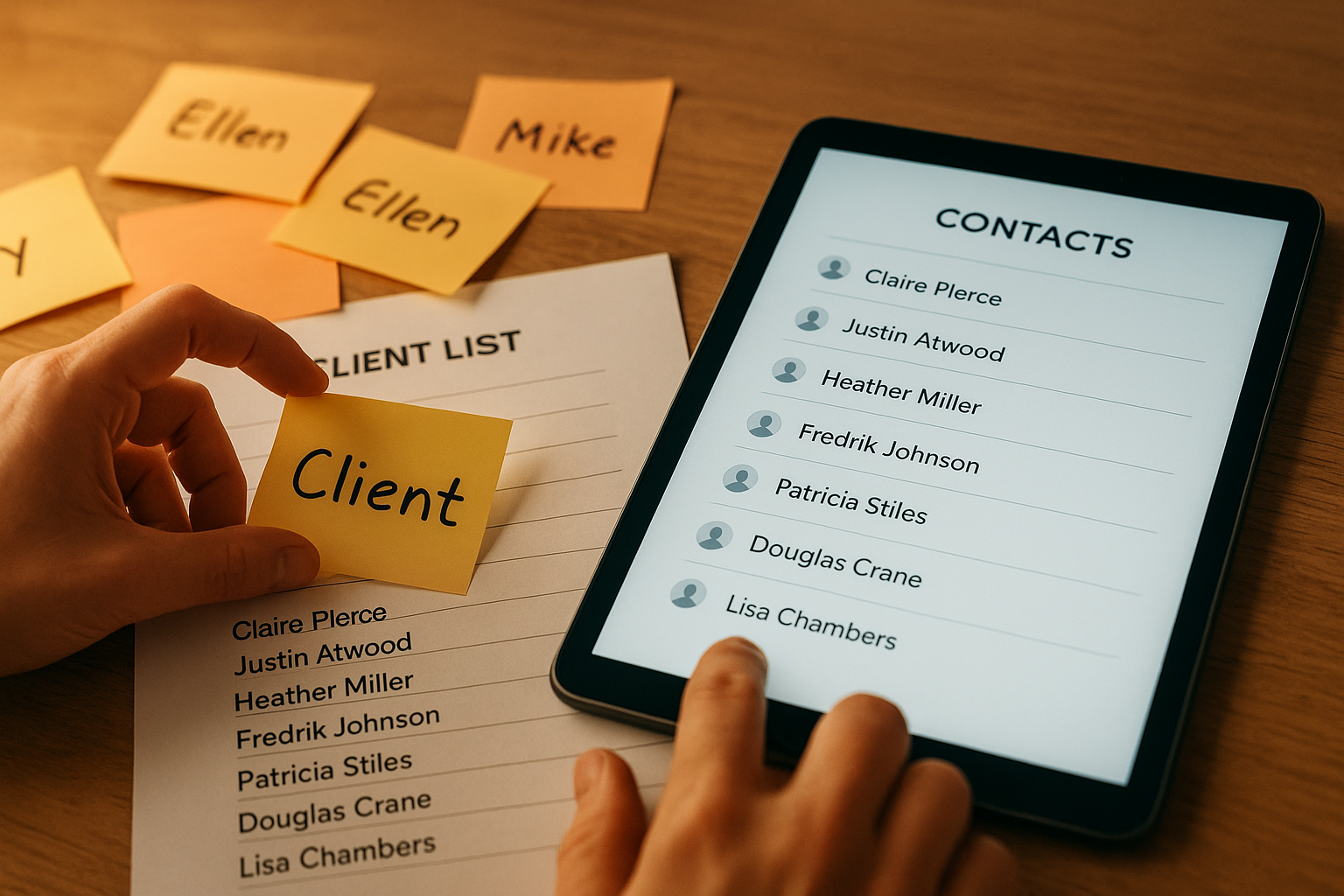
Migrating in stages helps small teams move from scattered notes to one organized CRM record.
Simple CRM vs. Enterprise CRM: What's the Real Difference?
Enterprise platforms like Salesforce and Microsoft Dynamics were built for organizations with hundreds of users and complex approval chains. They are powerful, certainly, but that power comes with a cost: dedicated administrators, long implementation timelines, and ongoing configuration work that never really stops.
A CRM for small teams, by contrast, trades some of that depth for speed. Instead of spending weeks defining custom fields and approval workflows, a small business can usually be live within days. In particular, this matters for companies with one to fifty employees that need enterprise-grade reliability without an enterprise-sized IT budget. If your team has outgrown spreadsheets but a full enterprise suite still feels like overkill, it may help to read this breakdown of whether a simpler alternative to Salesforce makes sense for a ten-person company.
Similarly, support matters more for small teams than feature count ever will. One vendor to call, rather than separate support lines for the CRM, the phone system, and the file server, saves real hours over the course of a year.
Free vs. Paid CRM for Small Business: Which Should You Pick?
Free CRM tiers can be a reasonable starting point for a solo founder or a two-person team, since they typically cover basic contact storage and a handful of pipeline stages at no cost. However, free plans almost always cap the number of contacts, users, or automated emails, which means a growing team hits the ceiling faster than expected.
In addition, free tiers rarely include the calendar and file integrations that make a CRM genuinely useful day to day. As a result, many teams end up paying for a separate scheduling tool anyway, which quietly erases the savings a free plan was supposed to provide in the first place.
For a side-by-side look at where the free-to-paid line actually sits in 2026, this guide to affordable CRM options for small business breaks down realistic monthly costs across several categories of tools, which is worth reviewing before committing to any single plan.
What Does a Small Business CRM Typically Cost?
Pricing for a CRM built for small teams generally ranges from $15 to $60 per user each month, depending on which features are included. In addition, many businesses underestimate the cost of running separate tools side by side, since each extra subscription, login, and support contract adds hidden overhead well beyond the sticker price.
For that reason, it is worth comparing the full monthly total of every tool a CRM might replace, not just the CRM's own list price. A platform that bundles CRM with calendar and file storage can sometimes cost less overall than paying for three separate vendors, even when its per-seat price looks slightly higher at first glance.
Industry-Specific CRM Needs for Small Teams
Not every small business tracks the same information, and that distinction matters more than most buying guides admit. Specifically, a law firm needs to track cases, clients, and opposing counsel in ways a retail shop never will, while an accounting firm needs to track engagement deadlines and document trails tied to each client file.
If your firm falls into one of these categories, it is worth reading industry-specific guidance before settling on a generic tool. For example, this resource covers what to look for in a CRM for a small accounting firm, while this one addresses choosing a CRM for a small law firm that needs to track cases, clients, and opposing counsel. Both situations need the same core idea, one shared record per client, applied to very different day-to-day workflows.
Consequently, the right question is never just "which CRM is simplest," but "which simple CRM understands how my specific type of business actually works."
Common Mistakes When Picking a CRM for Small Teams
Even with good intentions, small businesses tend to repeat the same few mistakes when selecting new software.
First, many teams choose a CRM in isolation, without checking whether it connects to the calendar or files already in use. This simply recreates the same tool sprawl the CRM was supposed to fix. Second, some businesses skip a real trial with actual client data, only to discover weeks later that the import process is painful and incomplete. Third, owners sometimes assume cheaper always means simpler, when in fact a low-cost tool can still require significant setup time and a steep learning curve.
Consequently, the businesses that avoid these mistakes are usually the ones that test with real data first and weigh total cost, not just sticker price, before switching platforms.
How Atlas Brings CRM, Calendar, and Files Together
Atlas, built and operated by Hyperion Works out of Tempe, Arizona, approaches this problem differently. Rather than treating CRM as a standalone app, Atlas connects CRM records directly to the calendar and to Atlas File Storage, so meetings and documents attach to the right client automatically instead of living in three separate places.
Because every Atlas app shares one identity layer, teams sign in once instead of juggling separate passwords for each tool. This matters most for companies with one to five hundred users that need serious, reliable software but do not have a Salesforce administrator on staff to keep it running day after day.
Readers who want to see the broader approach, including the file storage system that replaces traditional sync folders, can visit Atlas's cloud business platform directly. Those comparing options can also review how Atlas handles CRM and calendar integration or explore Hyperion Works' broader approach to small business IT for additional context on the company behind the platform. For a closer look at the original source material behind this approach, see atlascore.app.

A connected setup keeps a simple CRM for small business linked to calendars and files instead of standing alone.
Simple CRM for Small Business Comparison Checklist
Before signing a contract, run every finalist through the same checklist. In particular, this keeps the comparison fair and stops a slick demo from overshadowing a weak real-world fit.
- Does it import existing contacts without manual re-entry?
- Does it sync natively with the calendar already in use, rather than through a clunky plugin?
- Can a new hire understand a client's history within five minutes of logging in?
- Is pricing transparent, with no hidden per-feature add-ons?
- Does support respond quickly, ideally through one shared vendor rather than several?
- Does the vendor publish clear data security practices, including encryption and backup policy?
Frequently Asked Questions About Simple CRM for Small Business
What is a simple CRM for small business?
A simple CRM for small business is a tool that stores client contacts, tracks communication, and organizes deals without the setup overhead of enterprise platforms. It focuses on the handful of features a lean team actually uses every day, rather than every feature a large sales department might eventually need.
How is a simple CRM different from Salesforce or Microsoft Dynamics?
Salesforce and Dynamics are built for large organizations with dedicated administrators who configure workflows and permissions. A simple CRM skips most of that configuration and works out of the box for teams with one to fifty users.
Why do small businesses need a CRM instead of spreadsheets?
Spreadsheets cannot track communication history, send reminders, or update automatically when a teammate edits a record elsewhere. A CRM keeps one accurate version of every client instead of several conflicting copies passed around by email.
How much does a small business CRM typically cost?
Most CRM platforms built for small teams price between $15 and $60 per user each month, depending on included features. Bundled platforms that combine CRM with file storage or calendar tools can sometimes lower the total cost compared with paying for separate apps.
Are there any good free CRM options for small business?
Yes, several vendors offer free tiers that cover basic contact storage and a small pipeline. However, free plans usually cap users, contacts, or automation, so growing teams tend to outgrow them within the first year.
How long does it take to set up a simple CRM?
A well-designed CRM for small teams can be set up in a day or two, since most of the work is importing existing contacts. Platforms that still need custom configuration can take weeks before a team sees any value at all.
What features should a small business CRM include?
Look for contact and company records, deal or pipeline tracking, calendar integration, mobile access, and shared visibility across the team. Native connections to files and communication tools matter more than a long list of rarely used features.
Can a simple CRM replace a shared inbox or spreadsheet?
Yes, in most cases. A CRM centralizes contact history in a way shared inboxes and spreadsheets cannot, since every team member sees the same up-to-date record instead of scattered emails and files.
What is the biggest mistake businesses make when choosing a CRM?
The most common mistake is picking a CRM in isolation, without checking whether it connects to the calendar, files, and communication tools the team already relies on. This recreates the exact tool sprawl the CRM was supposed to fix.
Is a cloud-based CRM safe for storing client data?
Reputable cloud CRM providers use encryption, access controls, and regular backups that typically exceed what a small business could maintain on its own servers. The Federal Trade Commission's data security guidance is a useful reference point when evaluating a vendor's practices before migrating client data.
How does a simple CRM for small business help with client retention?
By logging every call, meeting, and note in one place, a CRM makes it easy to follow up on time and avoid dropped conversations. Consistent follow-up is one of the clearest drivers of repeat business for service firms.
Do solo business owners need a CRM?
Even a one-person business benefits once client volume grows past what memory and email search can reliably handle. A lightweight CRM prevents missed follow-ups long before a business feels big enough to need one.
What is the best way to switch from one CRM to another?
Export existing contacts and deal records to a CSV file, then import them into the new platform and verify the data before cancelling the old subscription. Running both systems in parallel for a week helps catch missing records.
Final Thoughts on Choosing a Simple CRM for Small Business
Ultimately, a simple CRM for small business should remove work, not add another login to remember. The right choice connects to the calendar and files a team already uses, costs less than the pile of separate subscriptions it replaces, and gets a new hire productive within a day rather than a month. Whether a team ends up with a standalone tool or a connected platform like Atlas, the goal stays the same: one accurate record for every client, and fewer hours spent chasing information across disconnected apps.

