A calendar linked to CRM is a setup where your scheduling tool and your customer relationship management system share data automatically, so every meeting, call, and appointment appears directly on the right client record. For small and mid-sized businesses, this single connection can eliminate hours of copy-and-paste work every week. Instead of checking three apps to understand a client relationship, your team checks one.
Quick answer: Linking your calendar to your CRM means every appointment, call, and meeting is automatically tied to the correct client file, so nobody has to re-enter data by hand or guess when a follow-up is due.
Most small professional service firms do not plan for tool sprawl. However, it happens anyway. A calendar app handles scheduling, a separate CRM holds client history, and a phone system or spreadsheet tracks calls. As a result, nothing talks to anything else, and staff spend their day stitching the pieces together manually.
What Is a Calendar Linked to CRM, Exactly?
A calendar linked to CRM is a shared data connection between your scheduling tool and your client database, so booking a meeting also updates the client's record. In practice, this means the meeting shows up in two places from one action, rather than requiring someone to log it twice.
Specifically, this differs from simply sharing a calendar with coworkers. A shared calendar only shows who is busy when. In contrast, a calendar linked to CRM attaches context: which client the meeting is with, what was discussed last time, and which files or contracts are relevant. Consequently, staff walk into every call already prepared, without digging through email threads first.
Why Tool Sprawl Quietly Costs Small Businesses Money
Walk into almost any small professional services firm, and you will find the same pattern. Client contacts live in one app. Files sit in Dropbox, Google Drive, or OneDrive, plus a few stray copies on someone's desktop. The calendar lives in Google or Outlook, entirely separate from the CRM. Each decision made sense on the day it was made. Together, though, they add up to separate subscriptions, separate logins, and separate support numbers that never communicate with each other.
The hidden cost is not the subscription fees themselves. Instead, it is the time staff spend re-typing information between systems, the client call that never gets logged because the phone cannot see the CRM, and the hours an owner spends acting as the company's unpaid IT administrator. According to industry research on software adoption, businesses using multiple disconnected point solutions report significantly higher administrative overhead than those on a unified platform. Large companies hire consultants to stitch enterprise suites together. Small businesses, on the other hand, usually just live with the friction.

A connected calendar linked to CRM gives staff client context before every meeting.
How a Connected Calendar and CRM System Works
Technically speaking, a connected calendar and CRM system relies on a shared identity and data layer rather than a one-time export. When both tools are built on the same foundation, an event created in the calendar is not copied into the CRM; it simply exists as one record viewed from two places. This matters because one-way syncing, where data flows into the CRM but updates never flow back, is one of the most common reasons integrations fail quietly over time.
If you want to set this up for your own team, the process generally follows a predictable sequence. Below is a straightforward path most small businesses can follow.
- Audit your current tools. List every calendar, CRM, and scheduling app in use, including personal calendars staff rely on informally.
- Choose a platform with native integration. Favor a system where the calendar and CRM share one login instead of a third-party connector that can break.
- Map calendar events to CRM records. Configure the platform so appointments attach automatically to the right client file without manual entry.
- Set automation rules. Turn on logging for calls, meeting notes, and follow-up tasks so they land on the client timeline without extra clicks.
- Train staff and monitor adoption. Require all client meetings to be booked in the connected system for thirty days, then check usage reports for stragglers.
Benefits of a Calendar Linked to CRM for Everyday Operations
The practical benefits show up fast once a calendar linked to CRM is in place. First, follow-ups stop slipping through the cracks because every meeting outcome is visible on the client record. Second, new hires ramp up faster since they can see full client history the moment they open a calendar event. Third, owners spend less time playing IT support because there is one system to maintain rather than three.
According to the Wikipedia overview of customer relationship management, CRM systems are designed specifically to centralize interaction history across a business. Extending that same logic to scheduling is a natural next step, not an afterthought.
Calendar CRM Integration vs. Separate Tools: A Quick Comparison
To put the difference in perspective, consider how the two approaches actually behave day to day.
| Factor | Separate Calendar and CRM | Calendar Linked to CRM |
|---|---|---|
| Data entry | Manual, duplicated across apps | Automatic, single entry point |
| Logins required | Two or more | One |
| Client context during meetings | Requires manual lookup | Visible on the calendar event itself |
| Risk of missed follow-up | Higher | Lower |

Teams move faster when scheduling and client records sit on the same platform.
How Atlas Connects Calendar and CRM Natively
Atlas, built and operated by Hyperion Works, a Tempe, Arizona technology company running business IT since 2011, was designed around this exact problem. Rather than bolting a calendar onto a CRM after the fact, Atlas shares one identity layer, Atlas IAM, across every app. As a result, calendar events link directly to CRM records out of the box, and files from Atlas File Storage can attach to those same events without a separate integration step.
This matters most for professional and service-based businesses with one to five hundred users, the exact segment that needs enterprise-grade software but rarely has a Salesforce administrator or a Microsoft 365 specialist on staff. You can see how the Atlas calendar works alongside CRM data, and explore the broader Atlas feature set to understand how file storage, calendar, and CRM share one login. For a deeper look at the platform overall, visit atlascore.app directly.
Choosing the Right CRM Calendar Integration for Your Business
When evaluating options, it helps to separate true native integration from a connector bolted on after launch. Native integration means the calendar and CRM were built on the same data model from day one. A connector, in contrast, moves data between two otherwise separate products on a schedule, which can introduce delays or sync failures.
If your team is still deciding between a standalone scheduling tool and a bundled platform, our complete guide to shared calendars for small business walks through the tradeoffs in more detail. Similarly, if file storage chaos is part of the same tool sprawl problem, our comparison of the best Dropbox alternatives for business teams covers a closely related piece of the puzzle.
Common Mistakes When Connecting Calendar and CRM Systems
Even with the right intentions, a few recurring mistakes undermine calendar CRM integration projects. For example, teams often allow one-way syncing to persist, where meetings log into the CRM but notes never flow back to the calendar. Similarly, staff sometimes keep a personal calendar running alongside the official one, which quietly recreates the exact fragmentation the integration was meant to solve.
Furthermore, businesses occasionally skip training altogether, assuming the software alone will change habits. In reality, adoption depends on a clear policy: every client meeting gets booked through the connected system, with no exceptions. Without that rule, even the best-integrated platform will not deliver its full value.
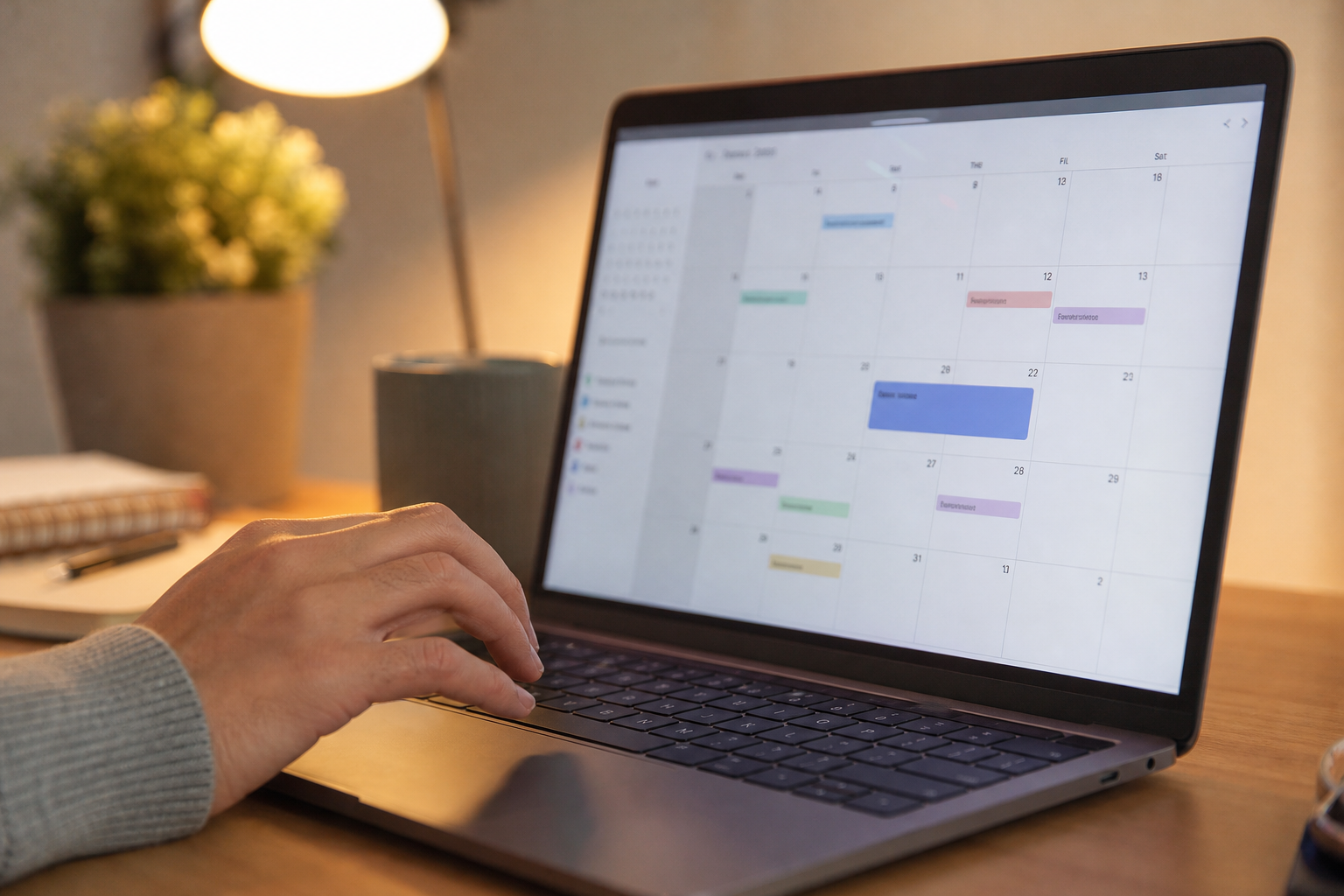
Booking directly inside a connected system keeps every appointment tied to the right client file.
Frequently Asked Questions About Calendar Linked to CRM
What does it mean to have a calendar linked to CRM?
A calendar linked to CRM means your scheduling tool and customer database share information automatically, so every meeting, call, or appointment is tied to the correct client record. There is no manual copying between two separate apps.
How does calendar CRM integration work technically?
Most calendar CRM integrations use a shared data layer or API so both tools read and write to the same database. When someone books an appointment, the event, attendee, and notes attach directly to the client's CRM profile in real time.
Why should small businesses connect their calendar and CRM?
Small businesses rarely have dedicated IT staff to reconcile data between disconnected tools. Connecting calendar and CRM removes that manual work, reduces missed follow-ups, and gives everyone the same up-to-date view of a client.
What is the difference between a shared calendar and a calendar linked to CRM?
A shared calendar only lets coworkers see each other's schedules. A calendar linked to CRM goes further, attaching every appointment to a specific client record along with history, files, and notes.
How much does CRM calendar integration typically cost?
Costs vary widely, from free native integrations bundled into an all-in-one platform to monthly fees for third-party connector tools. Bundled platforms generally cost less than paying for connectors on top of two separate subscriptions.
How long does it take to set up a connected calendar and CRM system?
A platform built with native integration can be ready within a day since the calendar and CRM already share one data model. Stitching two separate products together with third-party automation can take days or even weeks.
What are common mistakes when linking calendar and CRM tools?
The most common mistake is relying on one-way syncing, where events copy into the CRM but updates never flow back. Another is letting staff keep personal calendars outside the connected system.
What are best practices for keeping calendar and CRM data in sync?
Use one login for both tools, require every client meeting to be booked through the connected calendar, and review automation rules quarterly. Consistent habits matter more than any single piece of software.
Can I link Google Calendar or Outlook to my CRM?
Yes, many CRMs offer connectors for Google Calendar and Outlook, though these often sync only basic event details rather than full client context. A platform with native integration typically shares richer data automatically.
Does linking calendar to CRM help with client follow-up?
Yes. When every meeting and call logs against a client record automatically, staff can see exactly when a follow-up is due without digging through separate apps or relying on memory.
Is a calendar linked to CRM secure for client data?
Security depends on the platform's access controls and encryption, not simply on the fact that two tools are connected. Look for role-based permissions and one identity layer so access can be revoked instantly when staff change roles.
What size business benefits most from calendar CRM integration?
Businesses with one to roughly five hundred employees tend to benefit the most, since they need serious functionality but usually lack a dedicated administrator. Larger enterprises often have IT teams to manage integrations manually instead.
In the end, a calendar linked to CRM is not a luxury feature reserved for large enterprises with dedicated IT teams. It is a practical fix for the everyday friction that tool sprawl creates in small and mid-sized businesses: missed follow-ups, duplicated data entry, and staff time lost to busywork. Whether you connect existing tools with a third-party connector or move to a platform built with native integration from the start, the goal is the same: one record per client, updated automatically, visible to everyone who needs it. For businesses ready to see what that looks like in practice, exploring a platform like Atlas is a reasonable next step, since it was built specifically to bring calendar, CRM, and file storage together under one login for companies that cannot justify a full-time IT department.

