A cloud phone system for small business replaces a traditional desk phone setup with calls that travel entirely over the internet, using the broadband connection you already pay for instead of copper phone lines. For companies without a dedicated IT department, this shift often cuts hardware costs, simplifies maintenance, and lets staff take calls from a laptop, a mobile app, or a physical handset interchangeably. By the end of this guide, you will know what a cloud phone system for small business actually does, what it costs, and how to evaluate providers without getting stuck with another disconnected tool.
What Is a Cloud Phone System for Small Business?
A cloud phone system for small business is a phone service that sends and receives calls over the internet rather than copper telephone lines, with the switching equipment hosted by the provider instead of a server closet down the hall. In short, your "phone company" becomes software.
Technically, this runs on Voice over IP (VoIP), the same underlying technology that powers video call apps. Instead of a dedicated phone line, calls travel as small data packets across your existing network, often coordinated using the Session Initiation Protocol (SIP), a standard for setting up and ending voice sessions online. Because the heavy lifting happens off-site, a small business avoids buying and maintaining a traditional phone switch altogether.
For a company already juggling software with no dedicated administrator, this matters. As detailed in this guide on choosing software without an in-house IT department, tools that need constant babysitting quietly drain hours an owner could spend running the business instead.

A cloud phone system for small business lets staff take calls from any connected device.
Why Small Businesses Are Moving to Hosted Phone Systems
Most professional and service businesses did not plan their phone setup; it just happened. A line got installed, a provider was chosen years ago, and nobody has revisited it since. However, hosted phone systems have become the default choice for a simple reason: the Federal Communications Commission notes that most U.S. voice traffic now moves over IP-based networks rather than traditional copper infrastructure, and carriers have shifted investment accordingly.
As a result, copper-line maintenance is getting slower and more expensive, while cloud alternatives keep adding features at flat monthly rates. In addition, a hosted system scales instantly. Adding a tenth employee rarely requires a technician visit; it is usually a few clicks in an admin portal.
Furthermore, remote and hybrid work has made location-independent calling a requirement rather than a nice-to-have. A traditional landline rings at one address. A cloud system rings wherever an employee happens to be, whether that is the office, a job site, or a home desk.
Key Features of a Business VoIP Phone System
Not every business VoIP phone system offers the same depth of features, so it helps to know what separates a basic plan from a genuinely useful one. Specifically, look for:
- An auto attendant that routes callers to the right department without a live receptionist.
- Voicemail-to-email or voicemail-to-text so messages don't sit unheard.
- Mobile and desktop apps that let staff answer the business line from anywhere.
- Call recording and basic analytics for training and quality review.
- Simple extension and ring-group management for growing teams.
Above all, integration matters more than any single feature on its own. A phone system that cannot connect to the rest of your software just becomes one more silo. If your team already relies on a CRM, this guide on picking a simple CRM for small business is worth reading alongside your phone system search, since the two decisions often depend on each other.
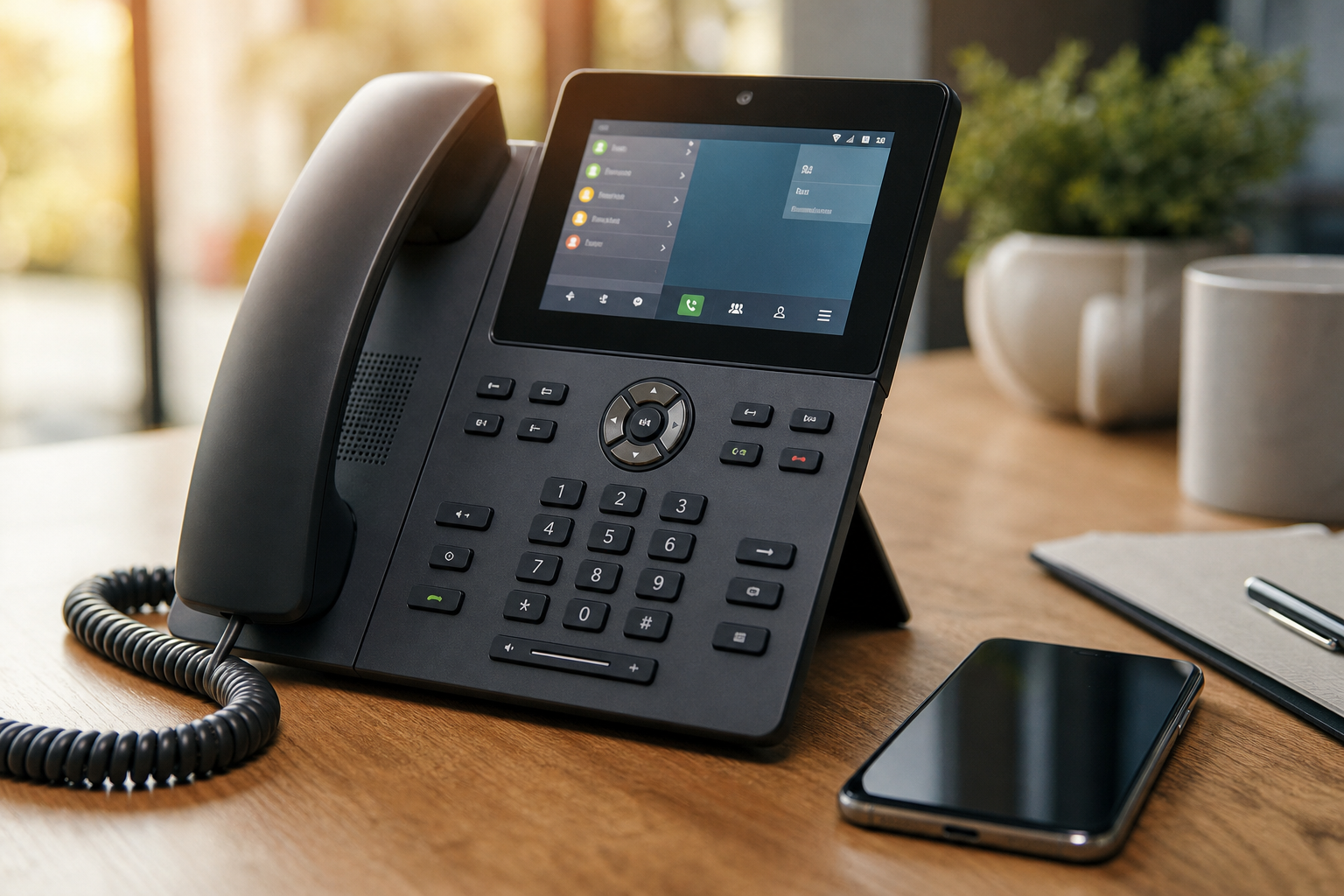
Many businesses mix desk phones and mobile apps on the same hosted line.
Cloud Phone System vs. Traditional Landline: What's the Difference?
The core difference comes down to where the technology lives. A landline depends on dedicated copper wiring tied to a physical address, while a cloud phone system for small business depends only on an internet connection. Consequently, the practical differences add up quickly.
| Factor | Traditional Landline | Cloud Phone System |
|---|---|---|
| Location flexibility | Tied to one physical line | Works anywhere with internet |
| Adding users | Requires technician visit | Usually self-service online |
| Typical upfront cost | Higher, hardware-heavy | Low, often software-based |
| Feature set | Basic, add-ons cost extra | Rich features often included |
That said, landlines still have one edge: they do not depend on your internet connection, so a local outage will not take the phones down with it. This is exactly why most cloud providers offer failover routing to mobile numbers, which closes that gap in practice.
How Much Does a Cloud Phone System for Small Business Cost?
Pricing for a cloud phone system for small business typically runs between $15 and $35 per user per month, depending on included features such as video conferencing, call recording, or advanced analytics. Setup costs are usually minimal since most plans run on existing internet service and either a softphone app or an inexpensive IP desk phone.
In contrast, traditional business phone lines often carry higher upfront hardware costs plus separate per-line charges, and adding features like voicemail transcription can mean extra fees. Therefore, comparing the full monthly cost, not just the advertised base price, gives a more accurate picture before signing a contract.
It also helps to think about total software spend rather than the phone line in isolation. Many small businesses are already paying separately for a CRM, as covered in this breakdown of affordable CRM options for small business, plus a calendar tool and file storage. Consolidating billing across fewer vendors often saves more than squeezing a slightly cheaper phone plan.
How to Pick the Right Cloud-Based Phone Service
Choosing a cloud-based phone service does not need to be complicated, but skipping steps usually leads to regret later. Follow this sequence instead:
- Audit current call volume and pain points. Track how many calls your team handles weekly and where current frustrations happen, such as missed calls or lost voicemails, before comparing providers.
- List the integrations you need. Decide whether the system must connect to your CRM, calendar, or helpdesk, since integration gaps are a top source of frustration after switching.
- Shortlist required features. Write down non-negotiables like an auto attendant, call recording, or mobile apps so you can filter out weaker providers quickly.
- Compare pricing and contract terms. Request quotes based on your real user count and ask about contract length and early termination fees.
- Test call quality on your network. Run a small trial on your actual office internet connection before committing the whole team.
- Plan the number porting timeline. Submit porting requests early and schedule the cutover for a low-traffic day.
If your business already uses a shared calendar, it is worth checking integration options before choosing a provider; this shared calendar guide for small business covers what to look for there.
Common Mistakes When Moving Away From Traditional Phone Lines
Even a good provider cannot fix a poorly planned migration. Specifically, the most common mistake is skipping a network readiness check, which leads to choppy calls once the whole office is live. A connection that feels fast for web browsing is not automatically fast enough for a dozen simultaneous voice calls.
Another frequent error is underestimating how long number porting takes. Porting a number away from another carrier is regulated, but it is not instant, and starting the process the week before go-live often causes a painful gap. Similarly, businesses sometimes forget to train staff on new features like call transfers or voicemail routing, which leads to missed calls during the first few weeks.
Finally, some teams choose a plan based only on price per seat, without confirming it integrates with their other tools. As a result, they end up manually logging call notes into a separate CRM, which recreates the exact tool-sprawl problem the switch was supposed to fix.

Planning the migration together helps avoid common mistakes with a new cloud phone system.
Where Atlas Fits Into Your Communications Stack
Atlas, built and operated by Hyperion Works out of Tempe, Arizona, takes a different approach to the tool-sprawl problem than most phone providers. Rather than treating communications as a standalone purchase, Atlas is building toward a platform where phones, SMS, email, CRM, calendar, and file storage all share one login and one monthly bill. File storage, CRM, and calendar are available today, with phone and SMS communications on the roadmap, so calls will land automatically on the right client record instead of living in a separate silo.
For a business evaluating a cloud phone system for small business right now, this matters because the decision rarely happens in isolation. A phone system that cannot eventually connect to your CRM and calendar just becomes another subscription to manage. If you are also reconsidering your office software overall, this comparison of alternatives to Microsoft 365 or Google Workspace is a useful companion read.
You can review Atlas's current lineup directly at atlascore.app to see how the pieces fit together before communications tools arrive.
Frequently Asked Questions
What is a cloud phone system for small business?
A cloud phone system for small business is a phone service that sends calls over the internet instead of copper telephone lines, with the call-routing software hosted by a provider rather than a box in your closet. Staff make and receive calls through desk phones, mobile apps, or a computer, and the provider handles maintenance and uptime.
How does a cloud phone system work for small business?
It converts voice into data packets and sends them over your internet connection to the provider's servers, which route the call to its destination. Your office only needs an internet connection and a phone, app, or headset, since the switching equipment lives off-site.
Why should a small business switch to a cloud phone system?
Switching usually lowers equipment and line costs while adding features like auto attendants and mobile apps that traditional lines rarely include. It also makes it easier to add or remove users as the team changes size.
How is a cloud phone system different from a traditional landline?
A landline uses dedicated copper wiring tied to one physical location, while a cloud system runs over the internet and works anywhere there is a connection. That difference means cloud systems scale faster for remote or multi-location teams.
How much does a cloud phone system for small business cost?
Most providers charge per user, typically $15 to $35 per month, depending on included features like call recording or video conferencing. Setup costs stay low since plans often only need existing internet service plus software or low-cost IP phones.
How long does it take to set up a cloud phone system?
A simple setup for a handful of users can go live within a few days to two weeks. Porting an existing number from another carrier typically adds extra time to that timeline.
What internet speed do I need for a cloud phone system?
Each active call generally needs roughly 100 kbps of stable upload and download bandwidth, so ten simultaneous calls call for about 1 to 2 Mbps dedicated to voice. A wired connection or prioritized network setup helps avoid choppy audio.
What are common mistakes businesses make when switching to VoIP?
The most frequent mistake is skipping a network readiness check, which causes dropped calls once everyone is live. Other errors include underestimating the number porting timeline and picking a plan without confirming it integrates with existing tools.
Can I keep my existing business phone number?
Yes, in almost all cases you can port an existing number to a new provider. Number porting is regulated in the United States, so a losing provider cannot refuse a valid request without cause.
What happens to phone calls during an internet outage?
If the internet goes down, most providers let you set automatic failover rules that forward calls to a mobile number or another location. Without that configured ahead of time, incoming calls will not reach your team until service returns.
Is a cloud phone system secure?
Reputable providers encrypt call traffic and require authenticated logins, making a well-configured cloud system at least as secure as a traditional line. Most risk comes from weak passwords or outdated network equipment rather than the technology itself.
What features should a small business look for in a phone system?
Look for an auto attendant, voicemail-to-email, mobile and desktop apps, call routing rules, and basic reporting at minimum. Businesses built on client relationships should also prioritize CRM integration so call history lands on the right record automatically.
Can a cloud phone system integrate with a CRM?
Many providers offer integrations or APIs that log calls directly on CRM contact records. This removes the manual step of writing down who called and gives the whole team visibility into communication history.
What is the difference between VoIP and a cloud phone system?
VoIP is the underlying technology that carries voice over the internet, while a cloud phone system is the complete hosted service built on top of VoIP, including routing, voicemail, and admin controls. In practice, nearly every cloud phone system for small business runs on VoIP technology under the hood.
Final Thoughts
A cloud phone system for small business is rarely just about the phones. The right choice lowers costs, removes hardware headaches, and, when it integrates well with the rest of your software, keeps client communication in one place instead of scattered across five tools. As you compare providers, weigh pricing against the features and integrations your team actually needs, test call quality on your real network, and plan the number porting timeline before you commit. Businesses that take these steps generally make a smoother switch and get more value from a cloud phone system for small business from day one.

